DroneSim’s Compact Toolbar v0.1.0
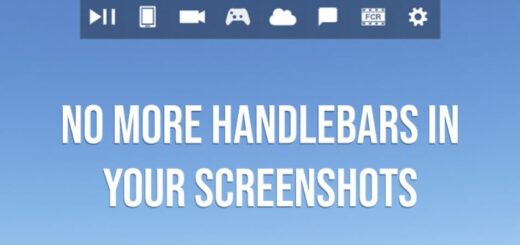
Makes the default MSFS 2024 toolbar smaller and cleaner — including no more white mouse trigger line.
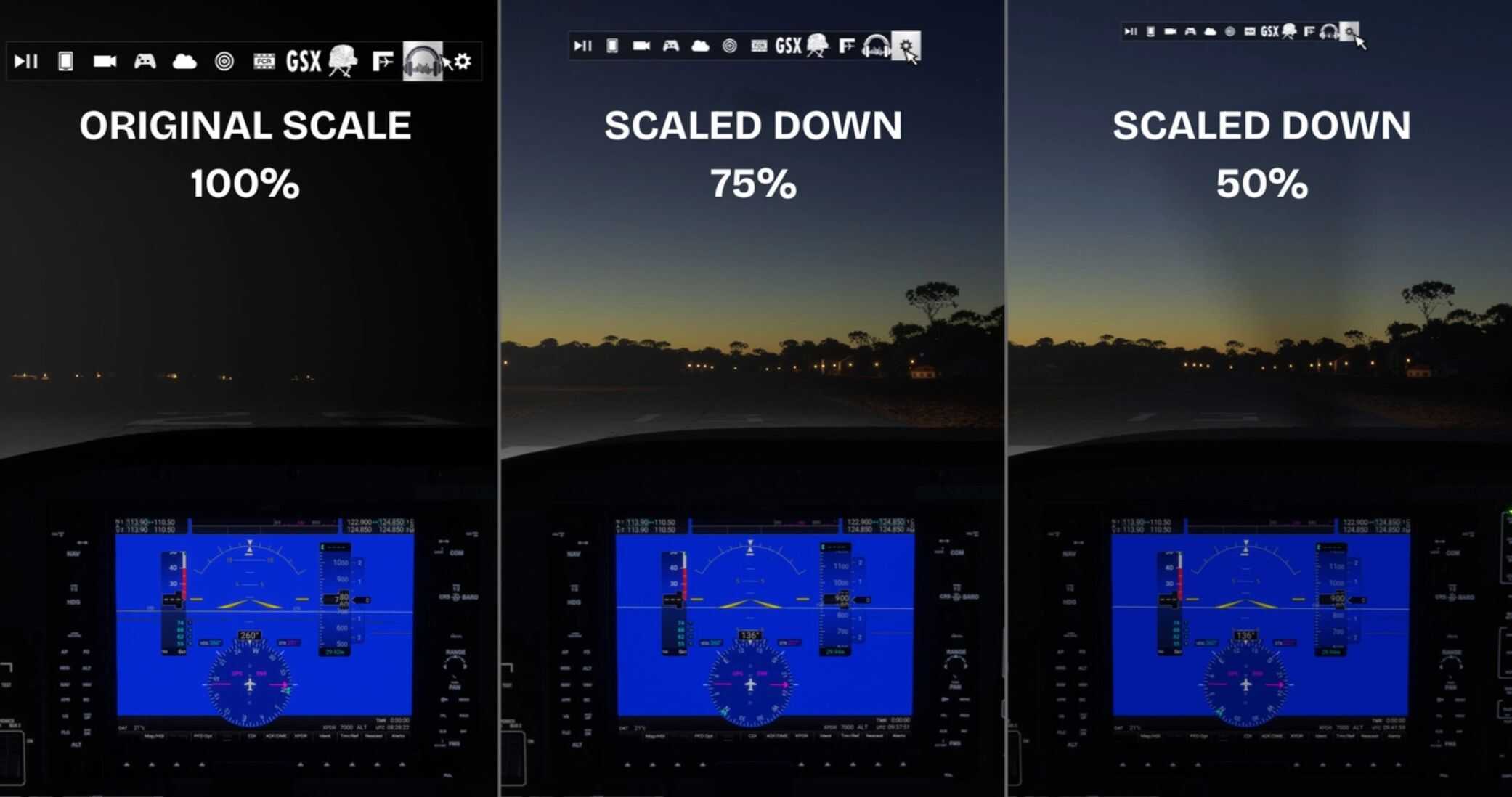
There are two variants: 75% scale (recommended) or 50% scale.
No performance impact, no extra UI clicks — just a slimmer toolbar
This project is mainly inspired by
heclak’s Handlebar Mod which only removed the white line
ocelada’s Minitoolbar, which additionally shrunk the size and unfortunately got discontinued, but don’t worry, I’m here 😉
What it does
Shrinks the toolbar and button heights and widths to a scale of 75% or 50% and hides the “annoying white bar” so it doesn’t pop up when you move the mouse.
Installation
Download your preferred variant (75% or 50%)
Extract the zip
Copy the folder dronesim-compact-toolbar into your MSFS Community folder.
Don’t get annoyed by the default toolbar and of course
Have fun flying
Please keep only one of the dronesim-compact-toolbar folders active at a time (either 75% or 50%, not both).
Uninstall
Delete the folder dronesim-compact-toolbar from your Community folder. I hope you don’t need to 🙂
Notes
If you don’t see the toolbar change or even disappear completely after installing, make sure there isn’t another toolbar mod in the Community folder (sorry for that heclak)
Tested with the latest SU4 Beta 1.6.18.0.
If it doesn’t work on SU3, please tell me. I’ll regenerate the files for this case.