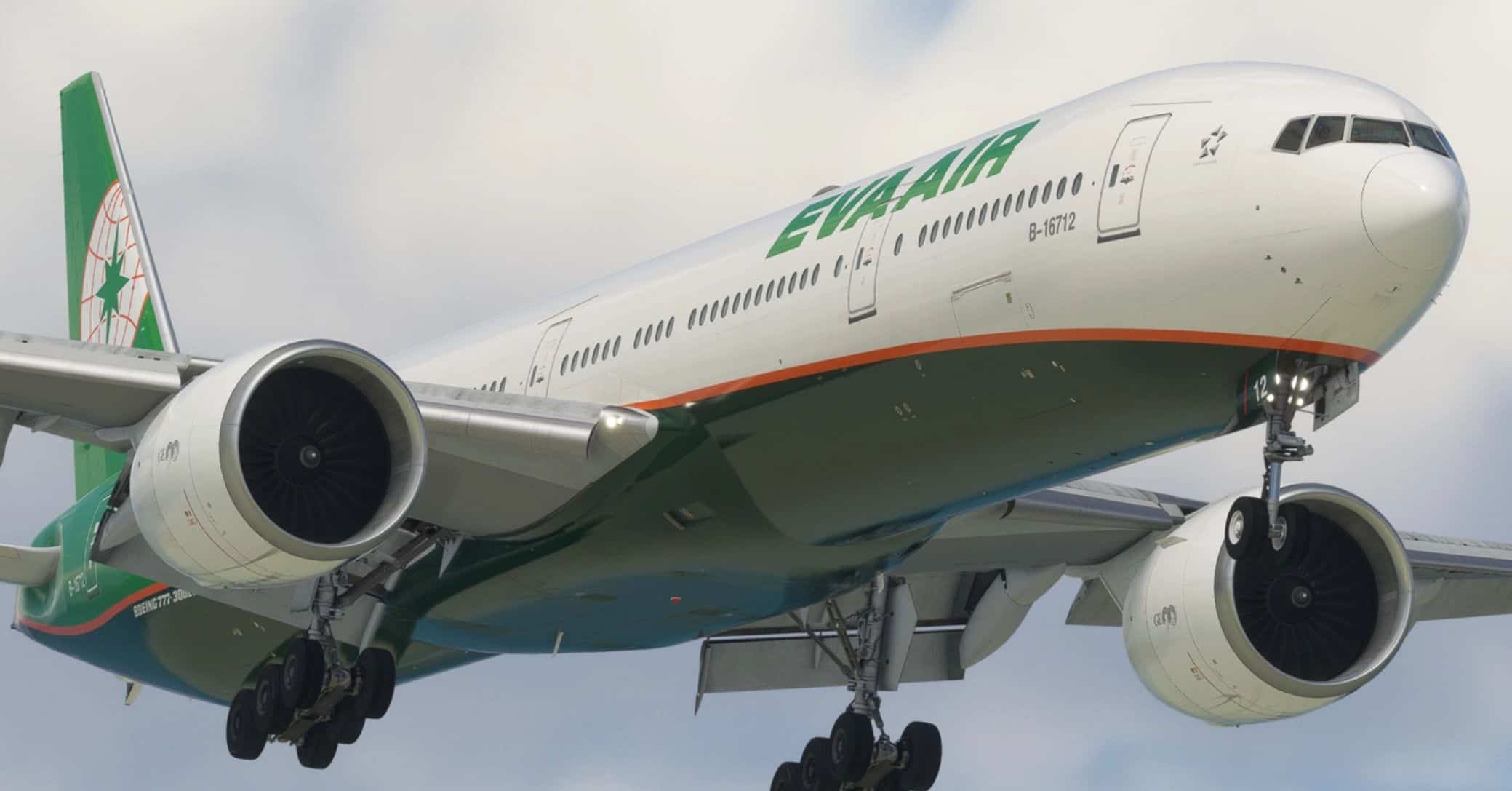
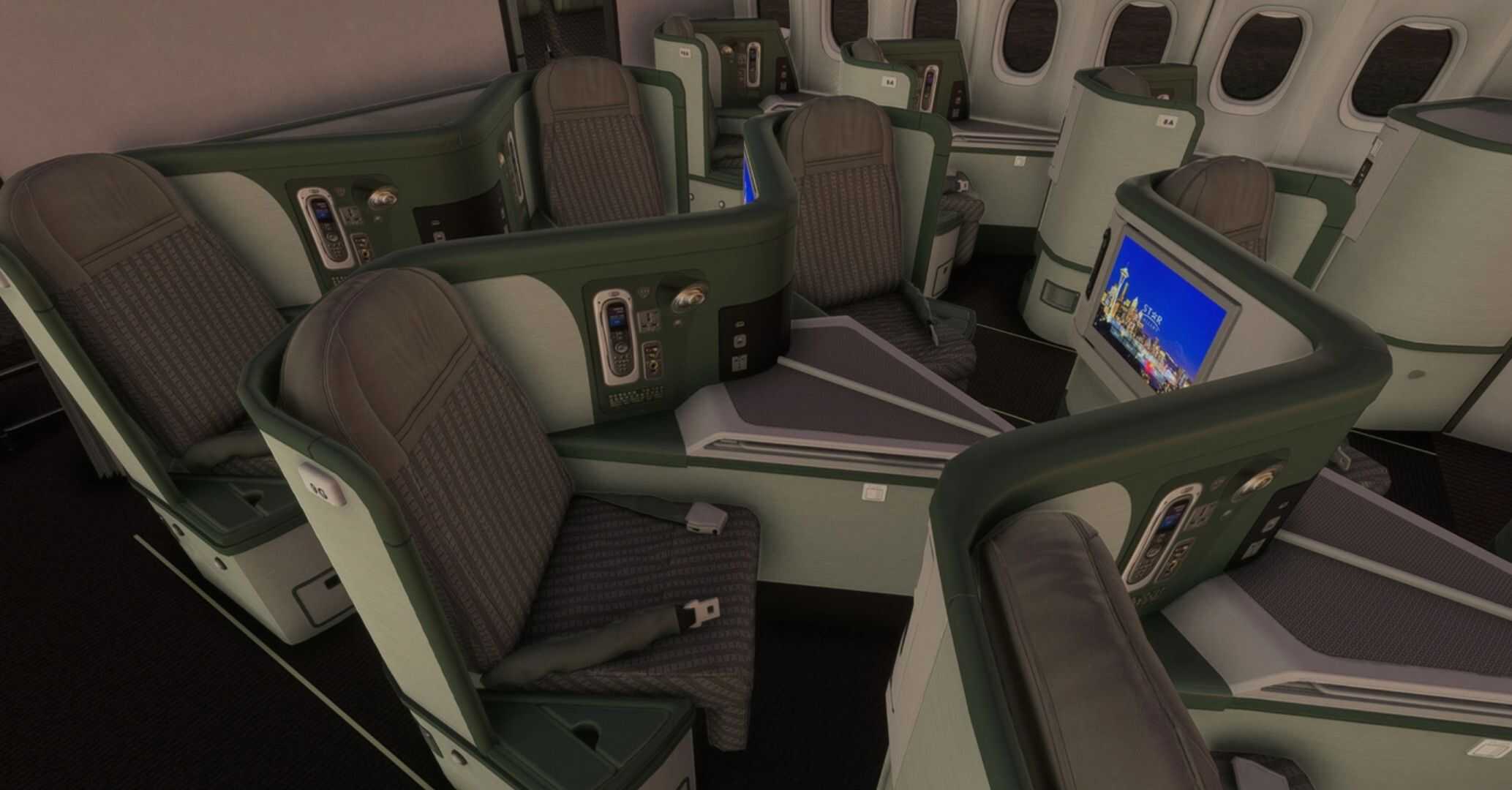
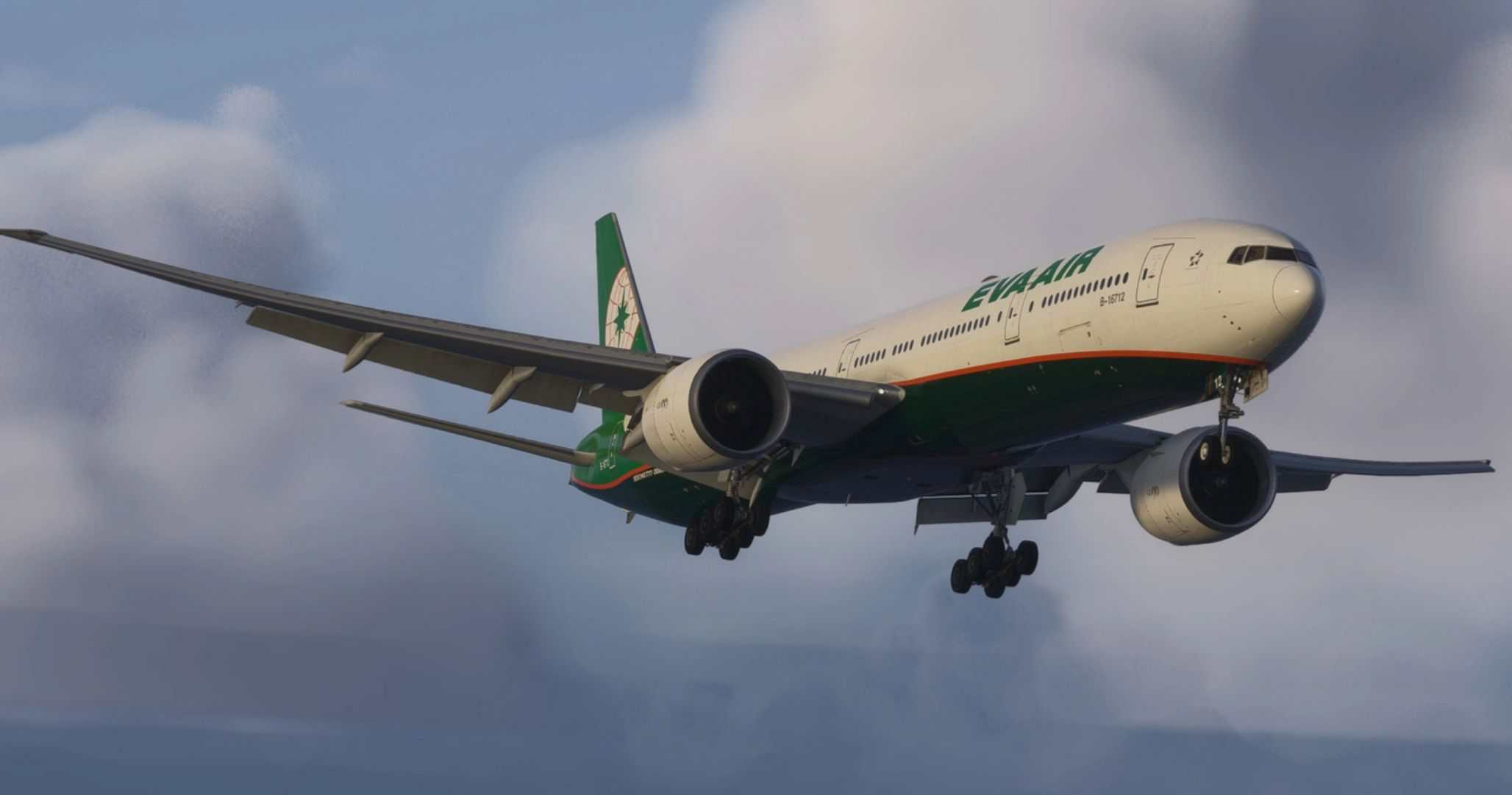
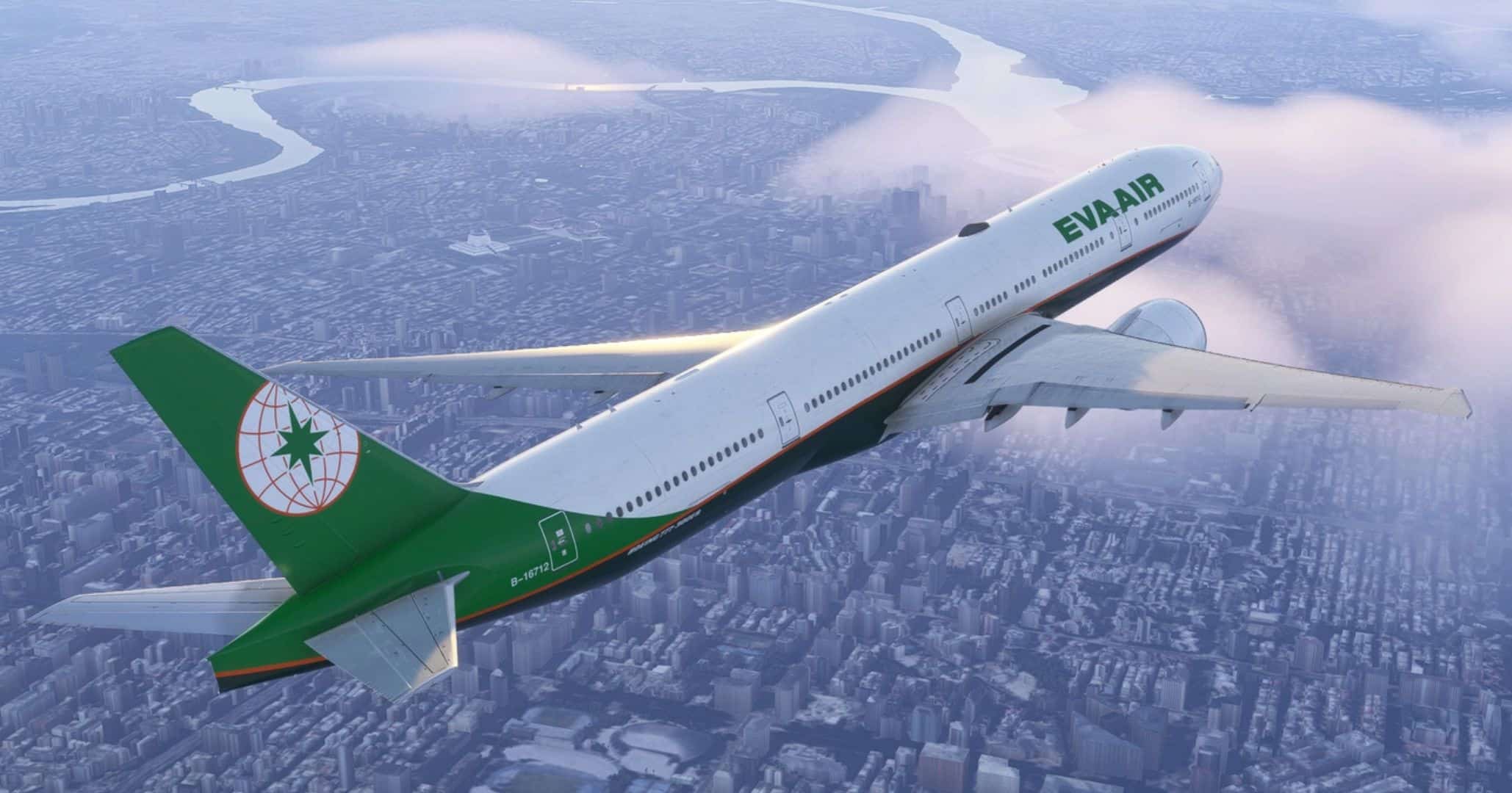
EVA Air | B-16712 | w/Cabin | PMDG B777-35EER v1.0
Features:
– Custom EVA Air cabin
– Accurate EVA-specific stencils
– Realistic EVA aircraft/equipment configurations pre-installed
– Custom Weathering
– Improved Textures and Metallics
– EVA Air cockpit decals and placards (Yoke Chart, Airworthiness/Registration Information, etc)
– Paintkit/Base textures improvement in partnership of Atarium Liveries and Henrik
INSTALLATION – 2020 AND 2024
– Open the PMDG Operations Center (OC3).
– Navigate to your 777-300ER 2020 or 2024 Installation.
– In the Livery section, click Import and select the provided .ZIP file. PMDG has discontinued .PTP files in lieu of .ZIP files.
– The correct aircraft configurations are pre-installed.
Important Note:
– PMDG sometimes fails to save aircraft configurations correctly, despite best efforts. To address this, I’ve included the individual aircraft configuration file. You can manually drag and drop the .ini file into the appropriate folder to automatically apply the correct real-world aircraft configuration.
– For aircraft configurations to properly load in MSFS2024, make sure to input the registration of the aircraft (B-16712) in the ‘identification’ menu when selecting the aircraft livery. You may also select the configuration through the FMC.



![Brussels Airlines [OO-SNJ ‘Tintin’] – Fenix A320 v1.1](https://www.allflightmods.com/wp-content/uploads/2026/02/Brussels-Airlines-OO-SNJ-Tintin-Fenix-A320-v1-5-520x245.jpg)