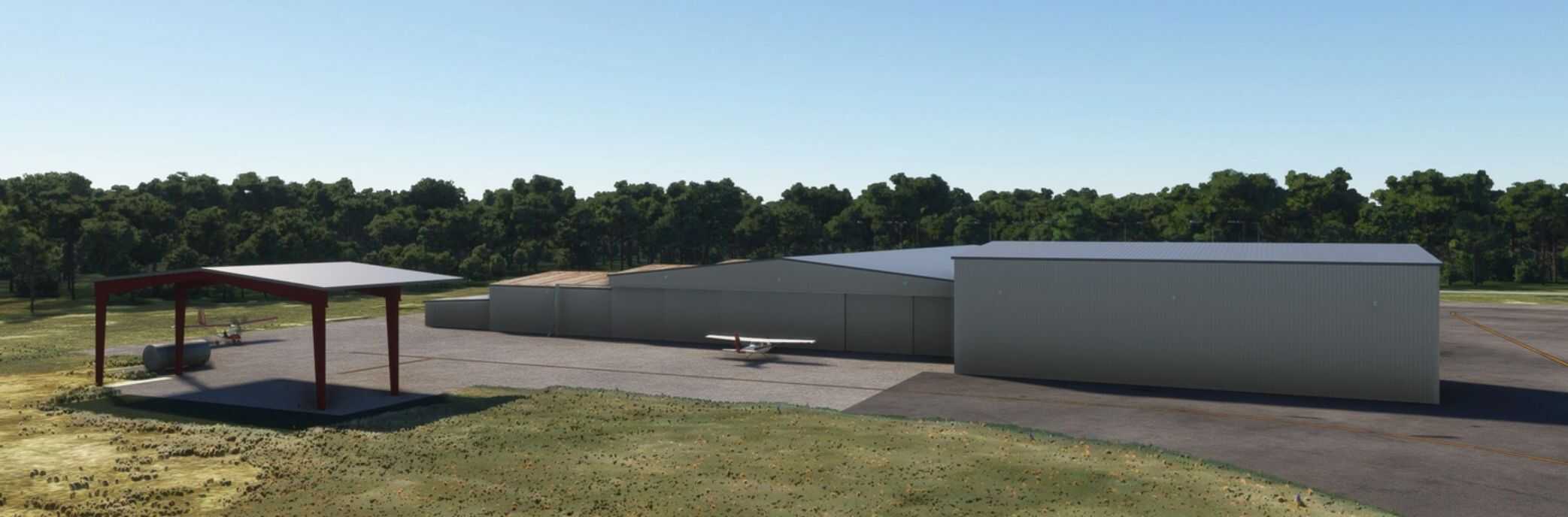


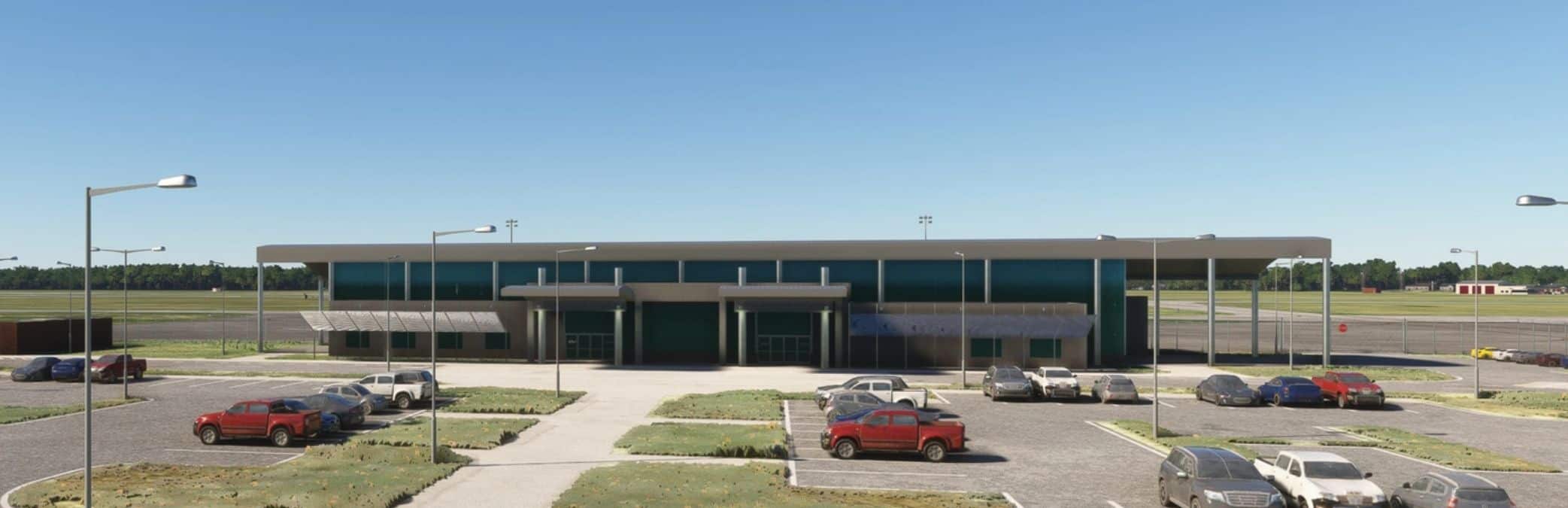
KABY Southwest Georgia Regional Airport v1.0.2
Southwest Georgia Regional Airport (IATA: ABY, ICAO: KABY, FAA LID: ABY) is an airport four miles southwest of Albany, in Dougherty County, Georgia, in the United States. The National Plan of Integrated Airport Systems for 2011–2015 categorized it as a primary commercial service airport. Federal Aviation Administration records say the airport had 39,200 passenger boardings (enplanements) in calendar year 2008, 33,044 in 2009 and 35,494 in 2010.
History
Albany Airport opened in 1935, about 4 miles southwest of the city. In October 1938 Eastern Air Lines began mail service to the field. Eastern’s Eddie Rickenbacker announced that as soon as the city improved the airport, Eastern would start passenger service. The City was doing just that during 1939 and 1940 in the form of a WPA project to enlarge the landing area and build a passenger terminal.
Modeling
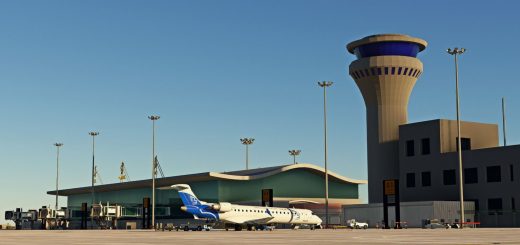
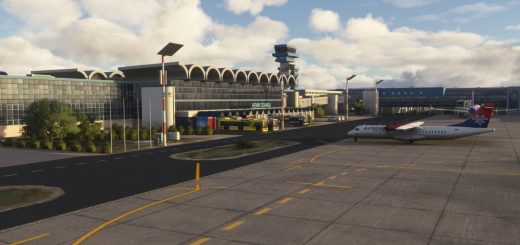
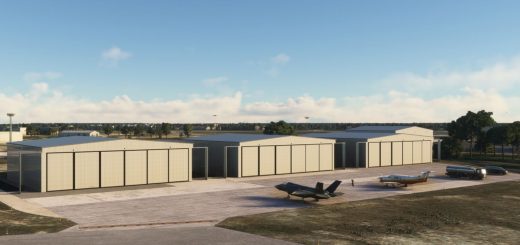
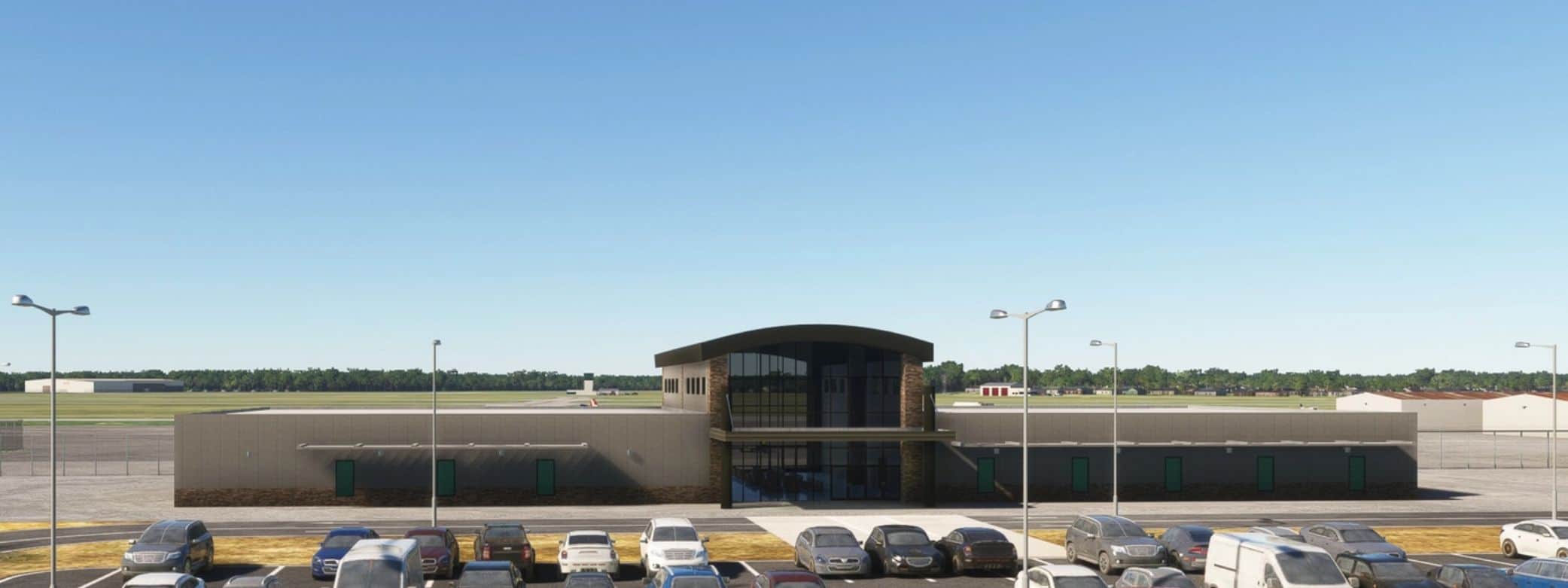
All models are hand-crafted along with the parking lot lines, the taxiway network and other apron markings. There are two identical open hangars with animated doors that are open from 6am to midnight. Open/close the doors during hours that they are closed by hiding/unhiding your flight yoke. I’ve included the rotating beacon tower head without the lights until I can add an actual light beam to the head. The dimensions of the Albany Jet Center (next to the terminal) is estimated due to only having a few pictures and no 3D model in Google.
Install
Extract archive and copy jd-airport-kaby-Albany to your community folder