iFly 737 MAX 8 Darker/Realistic Cockpit Enhancement! v1.1
BE AWARE – This may/will be incompatible with other liveries that have CUSTOM Cockpit textures, especially those that directly change the textures I used for this mod. – To fix this you can uninstall the affecting textures by finding the exact file names I have used and either overwriting with the ones that are there OR uninstalling them from your installed livery in the textures folder, and ensure you overwrite the layout.json (with the exe file) regardless of what you do here. I don’t recommend this as this could ruin liveries others spent hard work on, but this could potentially have a fix in the future FOR THIS SPECIFIC ISSUE if livery creators would like to collaborate with me and my project.
In short, this will work completely fine with most liveries, just those with custom cockpit textures will not work.
Please do not modify and/or re-distribute MY TEXTURES without explicit permission.
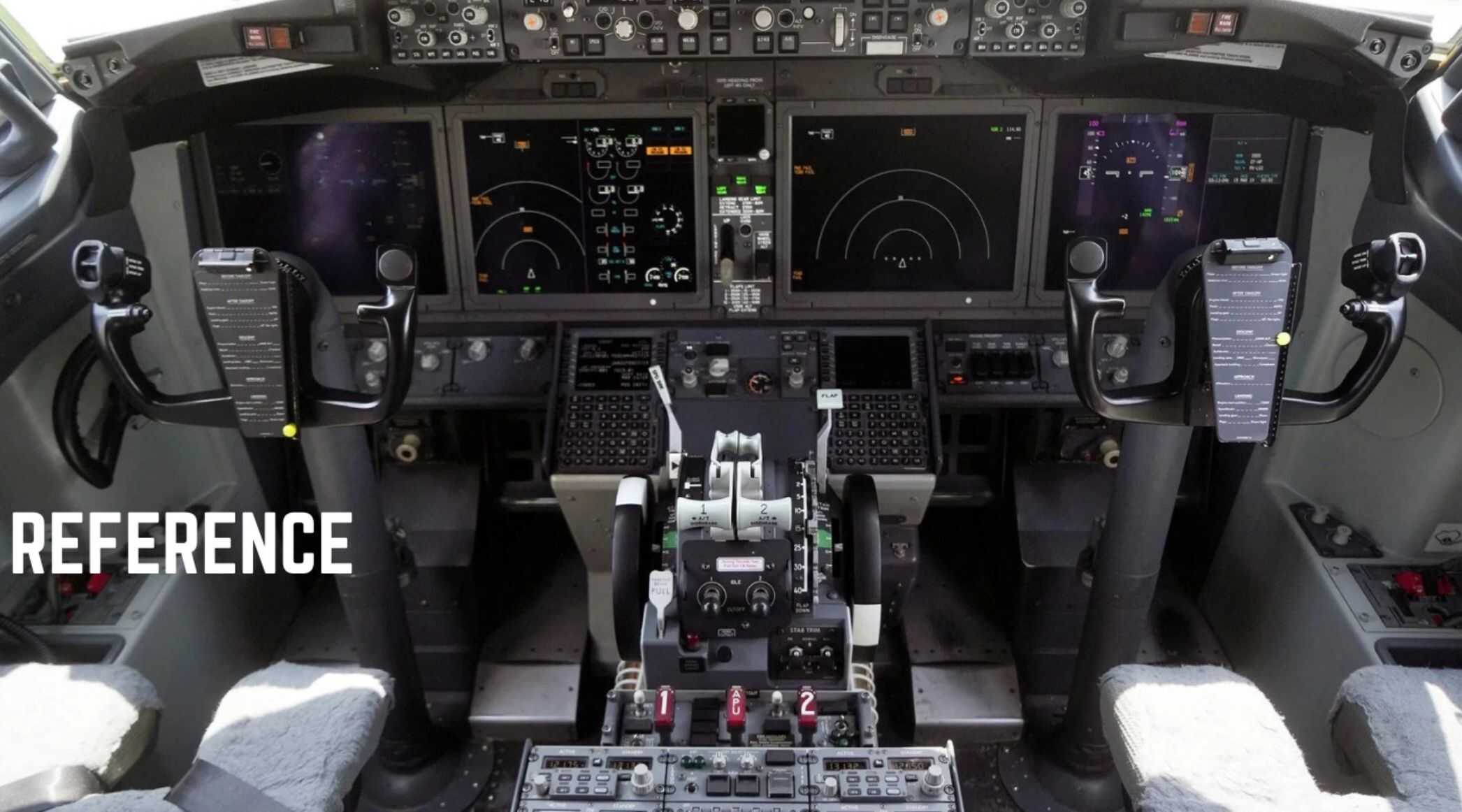
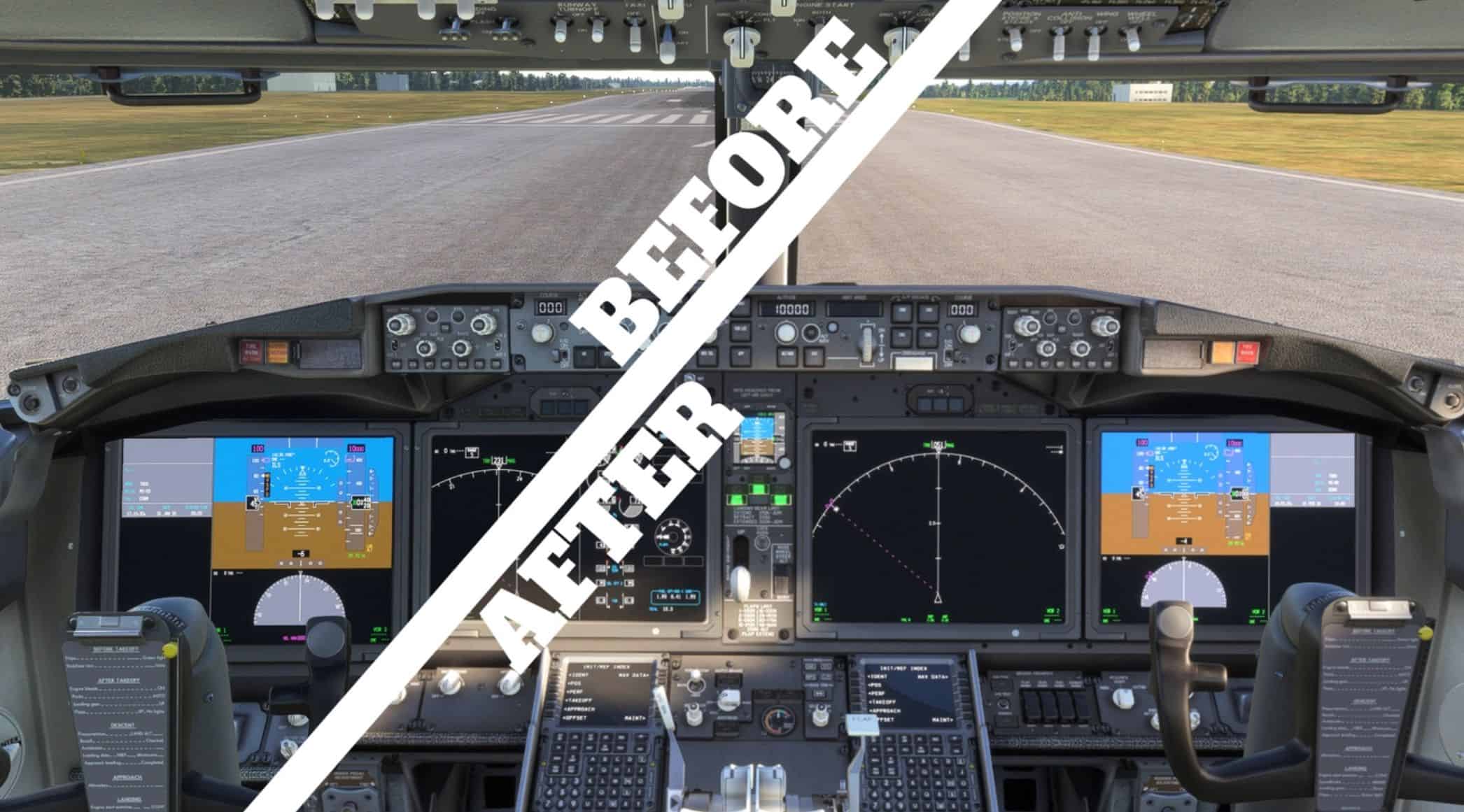
Ever feel some panels in the iFly 737 MAX 8s cockpit is a little too Light Grey? Well I have…
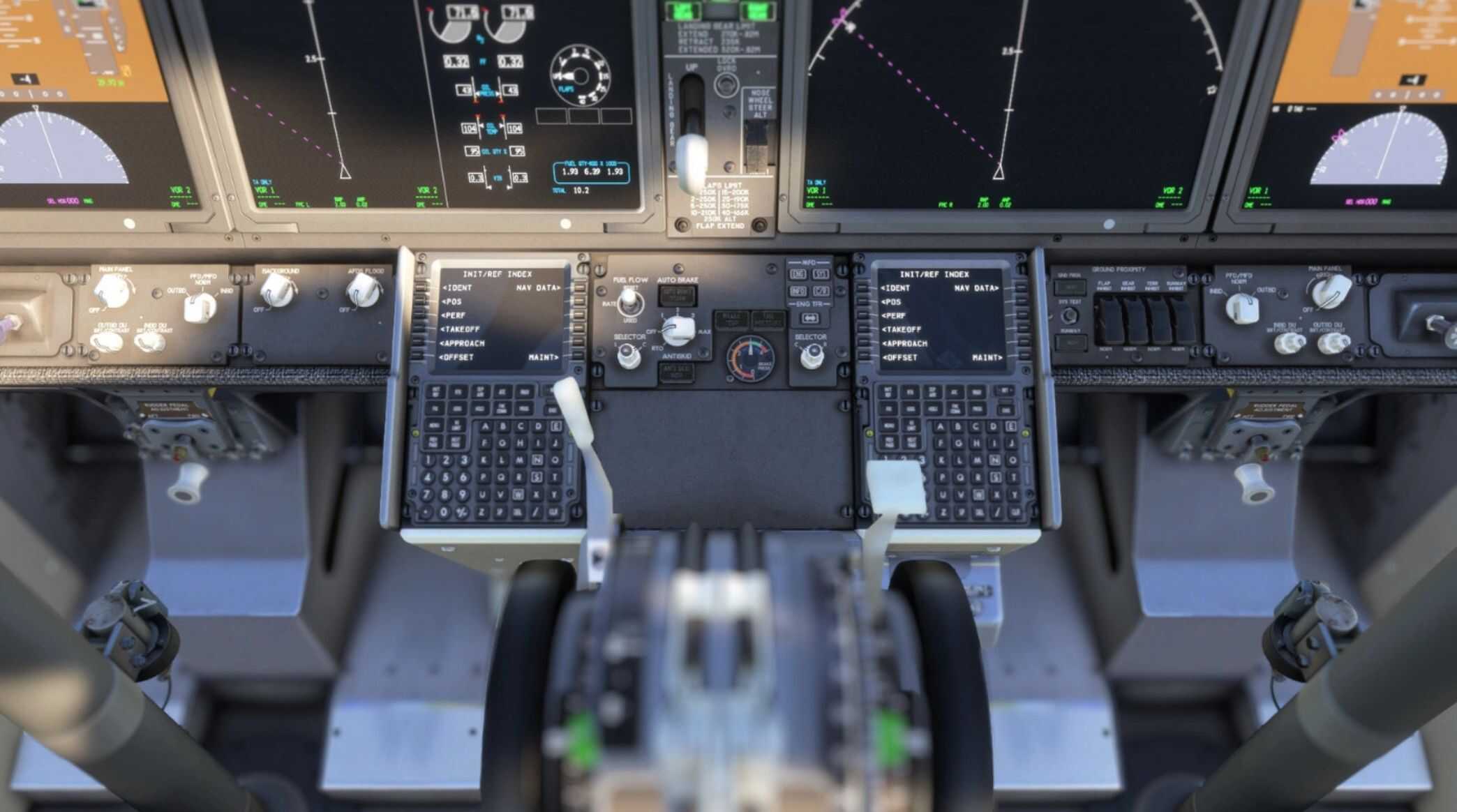
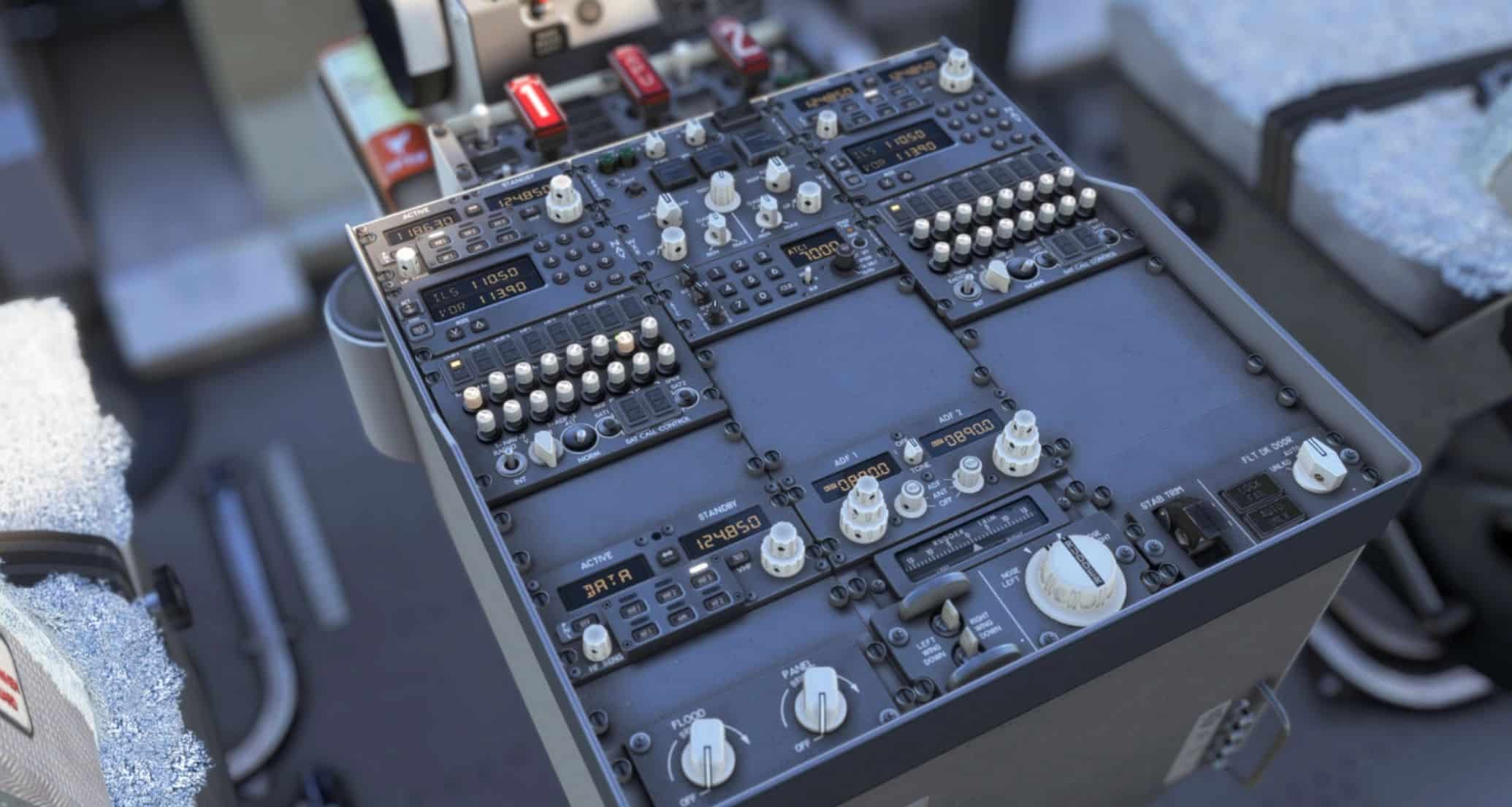
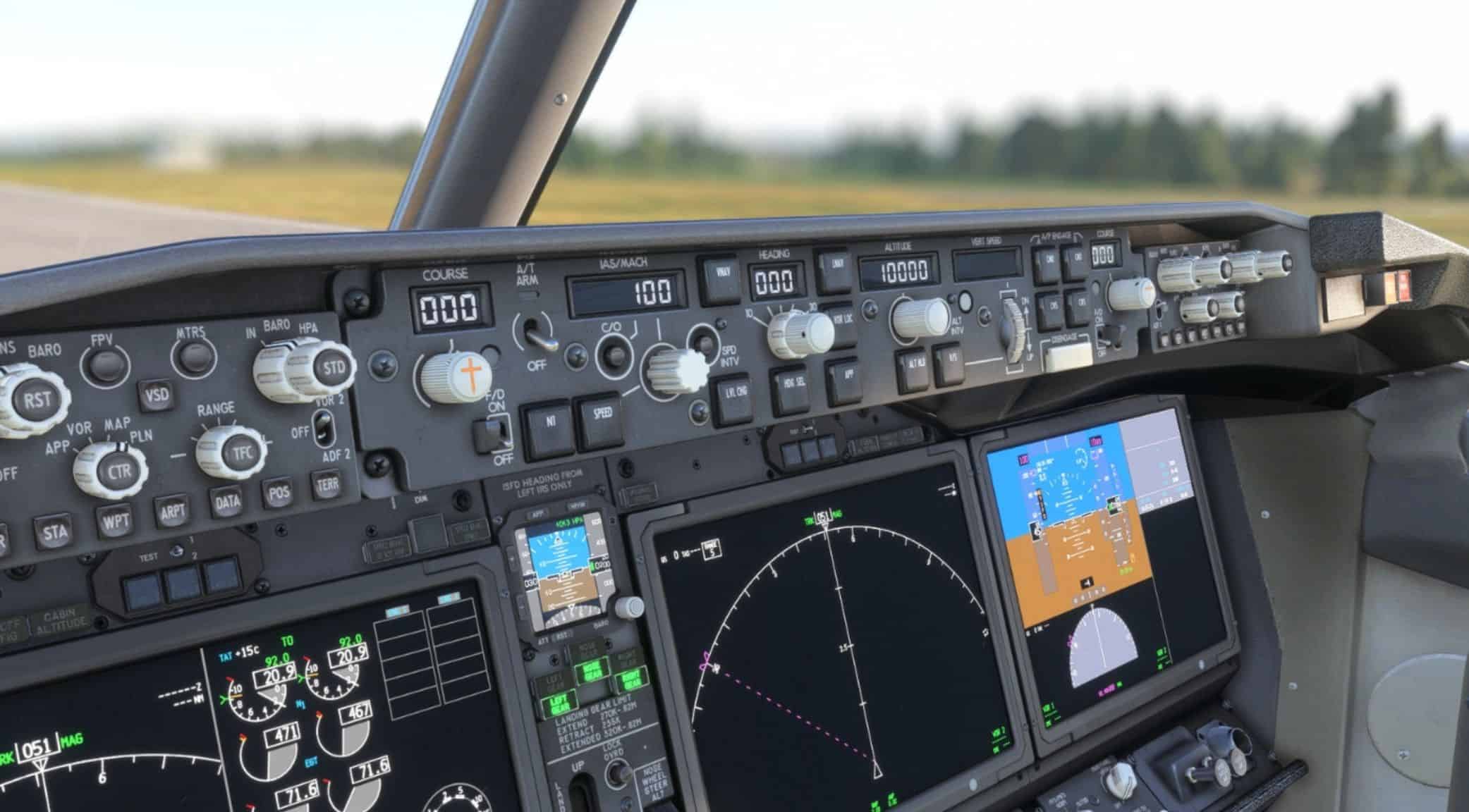
So here is my mod to help combat this, I have taken some of the textures that were at fault and turned down their brightness, exposure and saturation settings to give a more (realistic) look! This mod affects the following:
Glare Shield Panel
Center Pedestal
Control Panels (including the FMC/CDU bezels and surrounding both FMCs buttons)
C/FO Yokes
2024 INSTALLATION:
To install the new ones, either copy the Simobjects folder inside the new folder by hitting CTRL+C when clicking ONCE on the file or right clicking the folder and hitting copy, or you leave the file explorer tab open so you can SEE the Simobjects folder. Then go to your community folder where you have installed your iFly 737 MAX 8 and click into the file, then just drag and drop the Simobjects folder from your 1st explorer window into that folder or paste the Simobjects folder by clicking CTRL+V and hit Replace on the little window pop-up – this could show up to 7 times, don’t worry this is normal for some machines!
– This next step is recommended to do for 2020 and required for 2024.
IMPORTANT!!! You will also see an MSFSLayoutGenerator, drop this INSIDE of the ifly-aircraft-737max8 folder and DRAG AND DROP the layout.json file ONTOP of the MSFSLayoutGenerator, it will bring up a CMD window and disappear after a quick second if it successfully completes!
Don’t like them? Uninstall them by doing the EXACT same process as mentioned above but with the “old” folder, happy flying!