
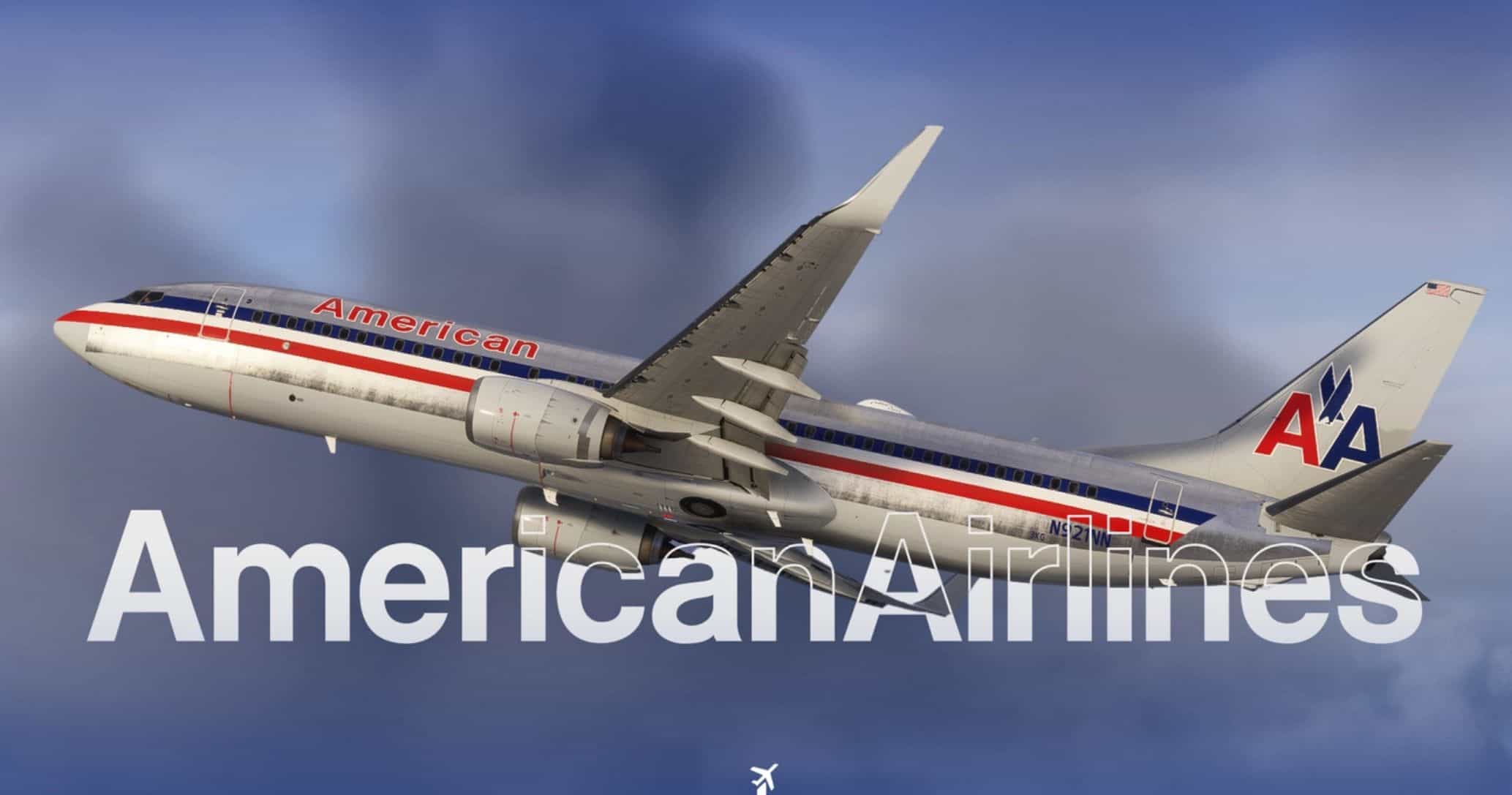
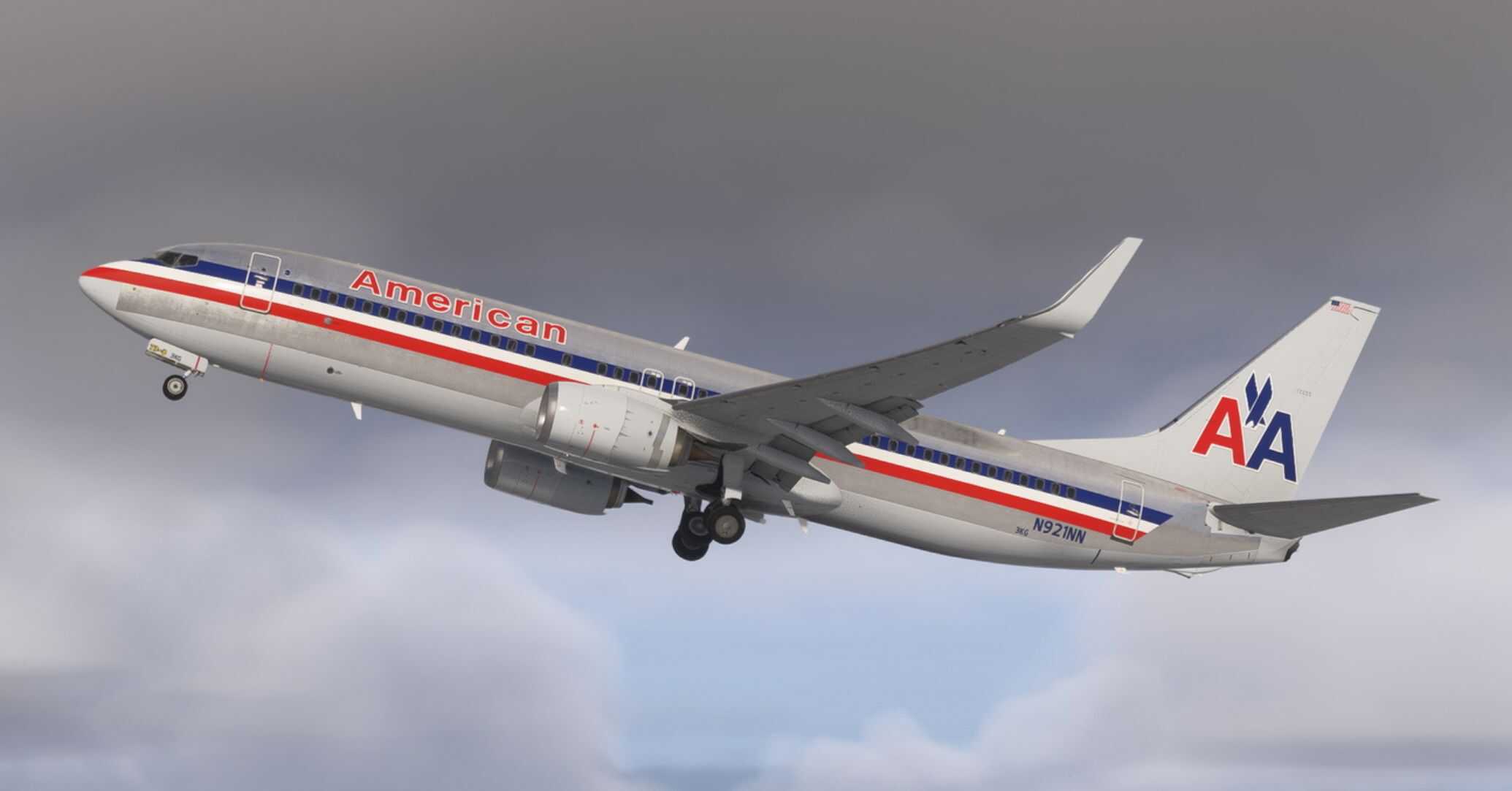
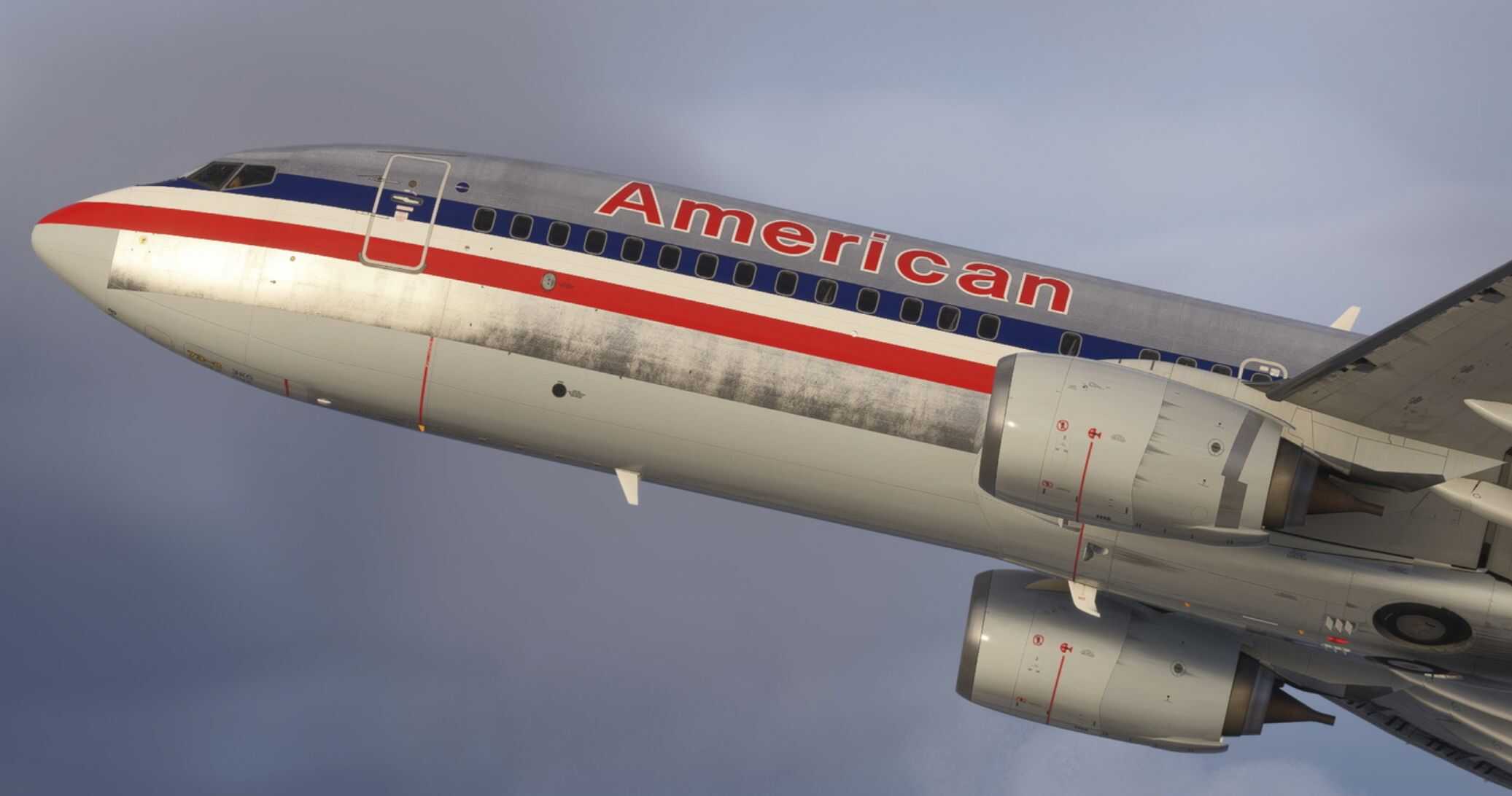
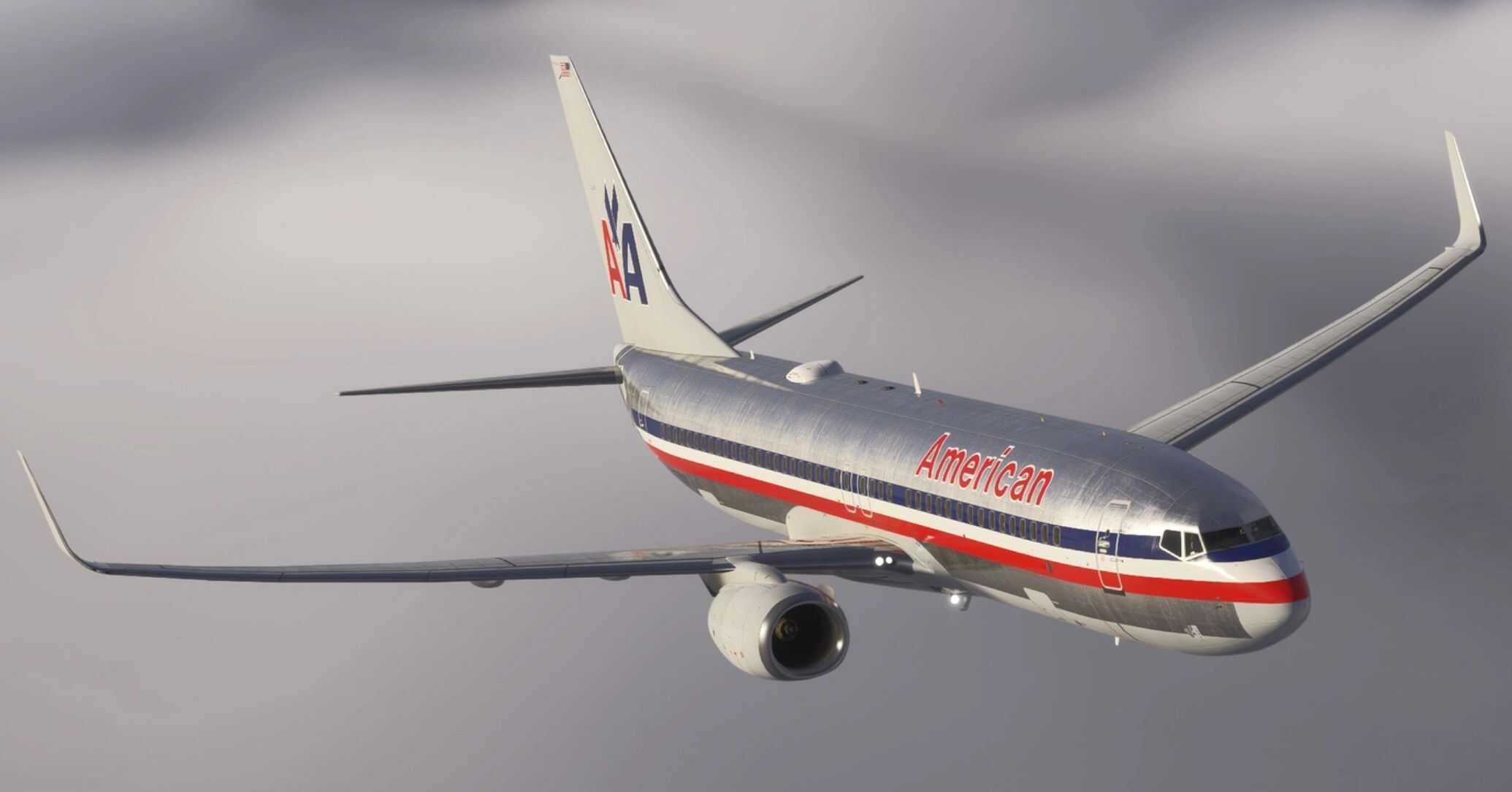
American Airlines ‘Astrojet’ | w/Cabin | PMDG 737-823 v1.1
Features:
– Custom American Airlines cabin
– Accurate AAL-specific stencils
– Realistic AAL-aircraft/equipment configuration pre-installed (special thanks and credit to
– FlyPrecisely)
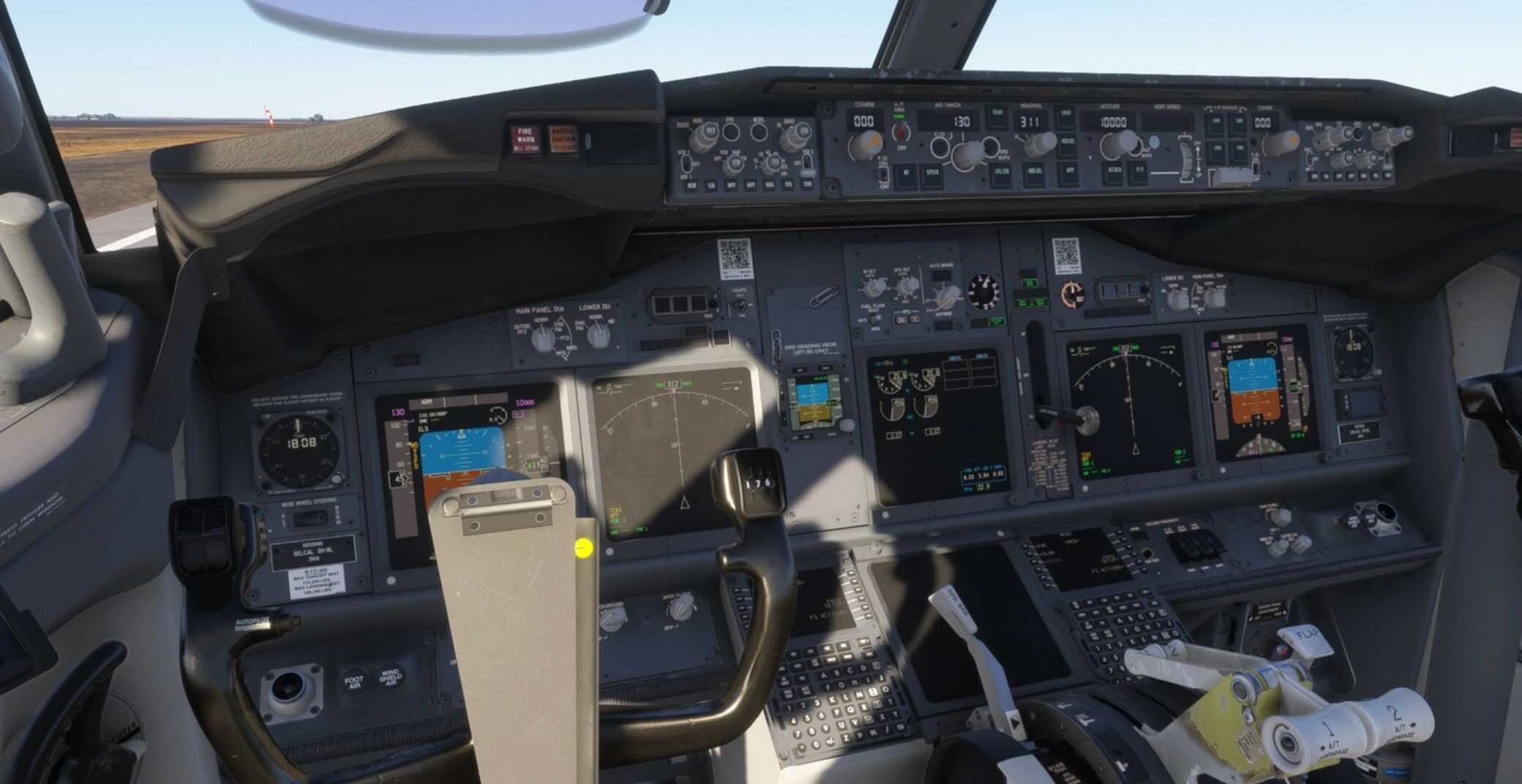
– American Airlines cockpit decals and placards (Weights, RFID, Airworthiness/Registration Information, etc.)
– American Airlines pushback tug
– Paintkit/base texture overhaul and improvement in partnership with Atarium, Comet133, and Henrik
KNOWN ISSUES
– Due to the way PMDG has modeled, textured, and developed the 737NG for FS2024, there are several limitations with this livery. Intricate bulkhead designs are not possible in the FS2024 version and some textures may be mirrored or slightly inaccurate due to the constraints of PMDG’s model. I appreciate your patience and understanding.
– While American Airlines does have in-flight entertainment on some of its fleet types, it does not on its 737s. Due to the limitations of the PMDG model, I elected to include the IFE rather than attempt a workaround that would likely look worse.
INSTALLATION – 2024
– Open the PMDG Operations Center (OC3).
– Navigate to your 737-800 2024 Installation.
– In the Livery section, click Import and select the provided .ZIP file. PMDG has discontinued .PTP files in lieu of .ZIP files.
– The correct aircraft configurations are pre-installed.
Important Note:
– PMDG sometimes fails to save aircraft configurations correctly, despite best efforts. To address this, I’ve included individual aircraft configuration files. You can manually drag and drop the .ini file into the appropriate folder to automatically apply the correct real-world aircraft configuration.
– For aircraft configurations to load properly in MSFS 2024, be sure to enter the aircraft registration (e.g., N905NN) in the Identification menu when selecting the livery. You may also select the configuration directly through the FMC.
– To load the configuration in the PMDG FMC, navigate to:
PMDG SETUP > AIRCRAFT > LOAD FROM ANOTHER > N905NN (or whatever registration you’ve chosen).
– Detailed instructions are provided in the readme .txt file included in the download.
Recent Changelog 1.1
– Added grey negative pressure relief valve door
– Minor cabin texture improvements
– Minor artwork corrections




I keep getting a “Invalid livery zip file” message when selecting the ZIP on the PMDG OC3 for MSFS 2024