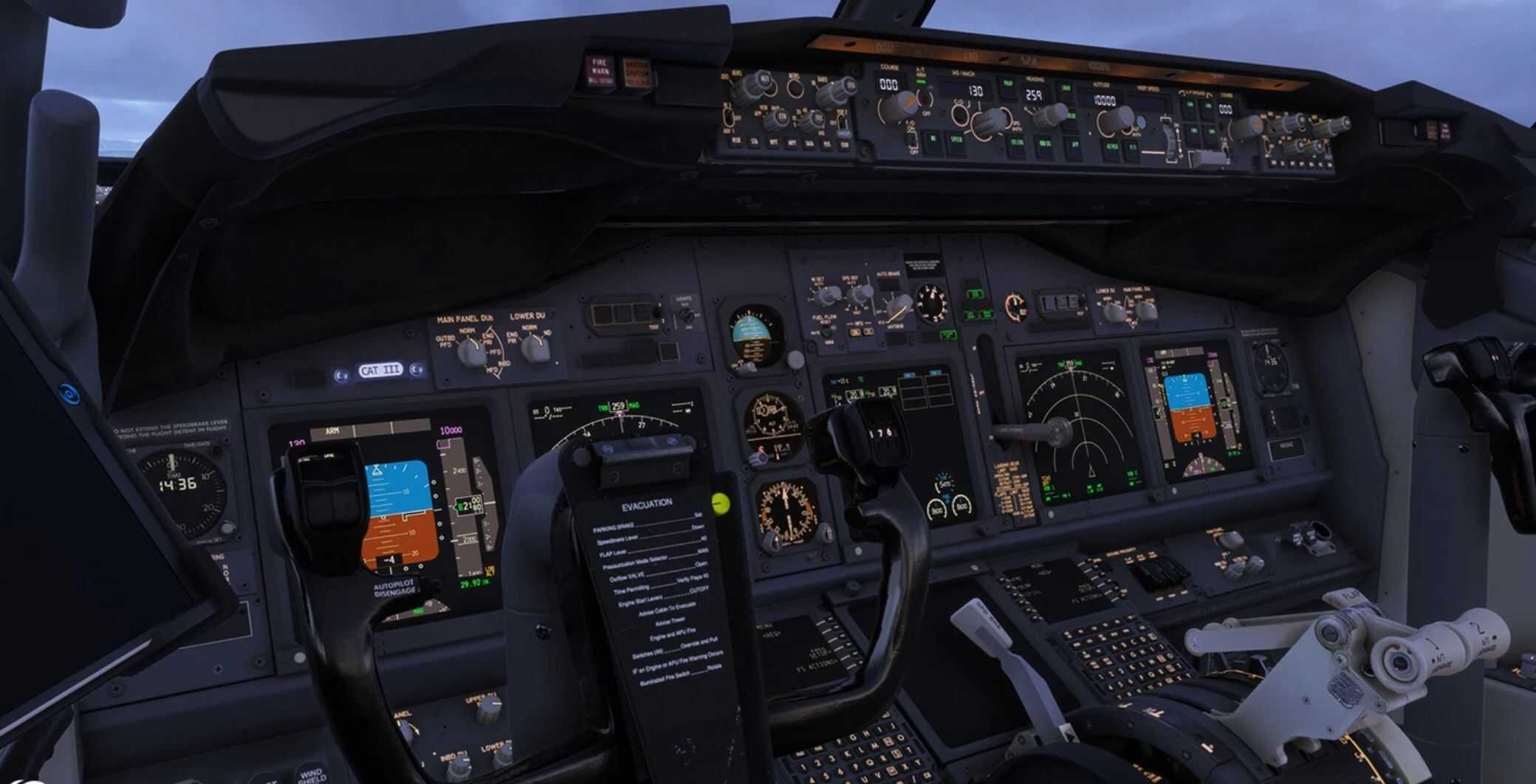
Southwest Fleet Pack | Custom 3D Models | Livery Options | Smart Decals | PMDG B737-800 v1.01
IMPORTANT
– This depending on your pc configuration and hardware might behave differently in terms of performance.
– In case of bugs or performance issues while using this pack or having it installed, submit a ticket in the HUES discord. Please DO NOT reach out to PMDG support.
– This mod complies with PMDG End User License Agreement (EULA) and does not modify, redistribute or include any PMDG proprietary assets not covered by EULA. It also adheres to microsoft’s fair use policies for fanmade content and is intended solely for personal non-commercial use.
Registrations:
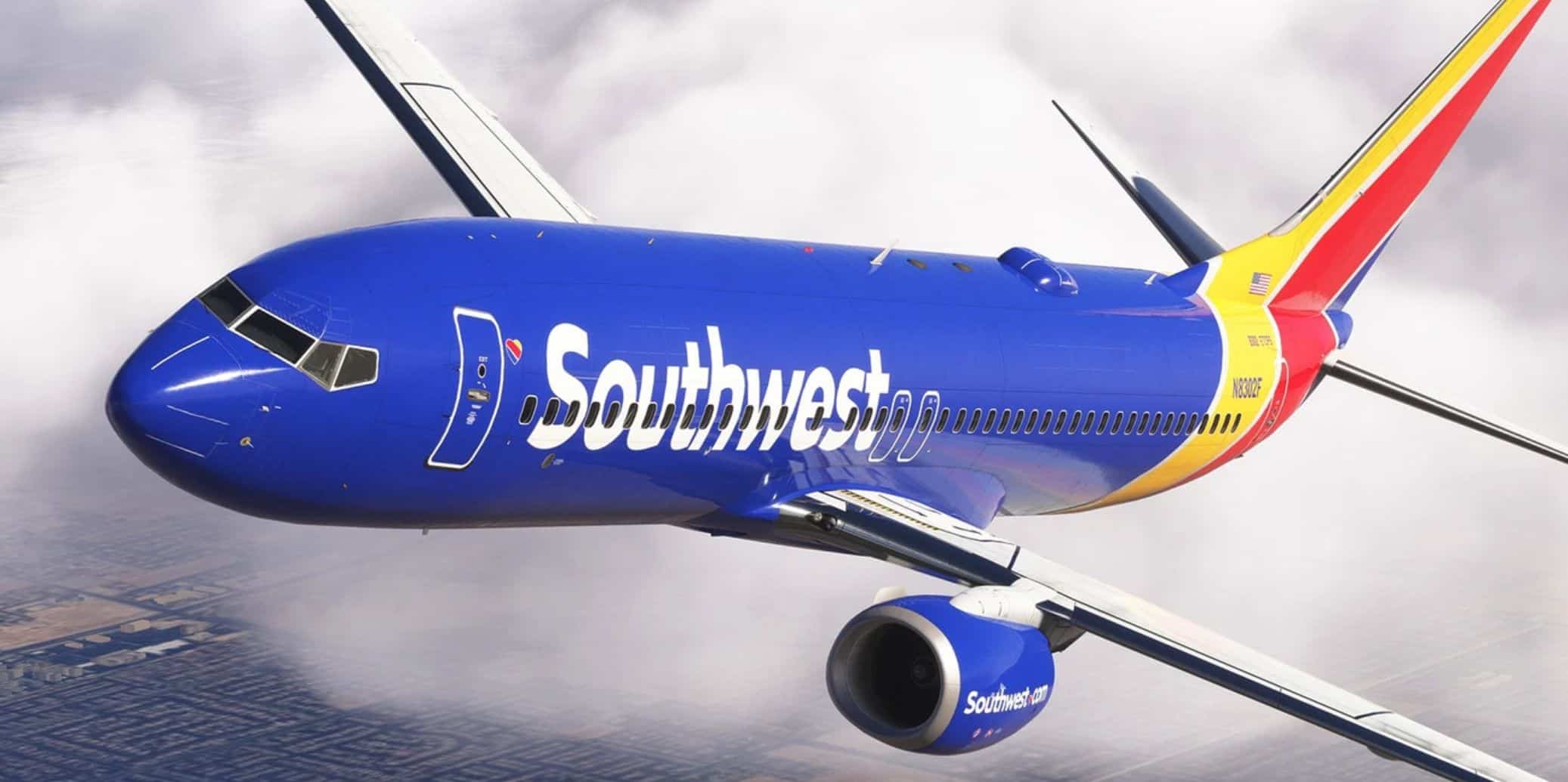
– N8302F | ETOPS
– N8325D | ETOPS
– N8508W
– N8541W
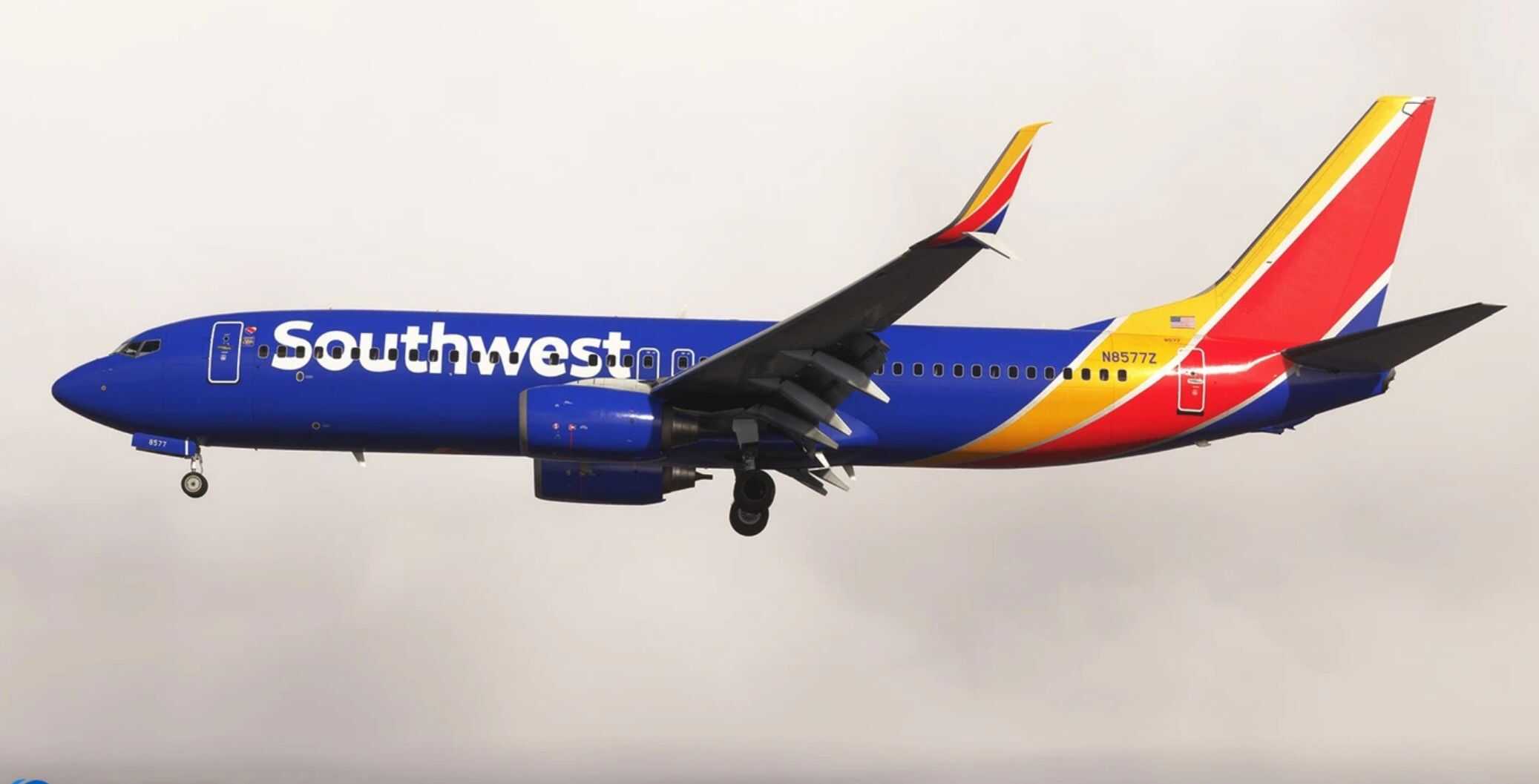
– N8577Z | Revised/Removed ‘Southwest.com’ on engines
– N8584Z
– N8600F
– N8645A | Formerly ‘HeartTwo’
– N8654B
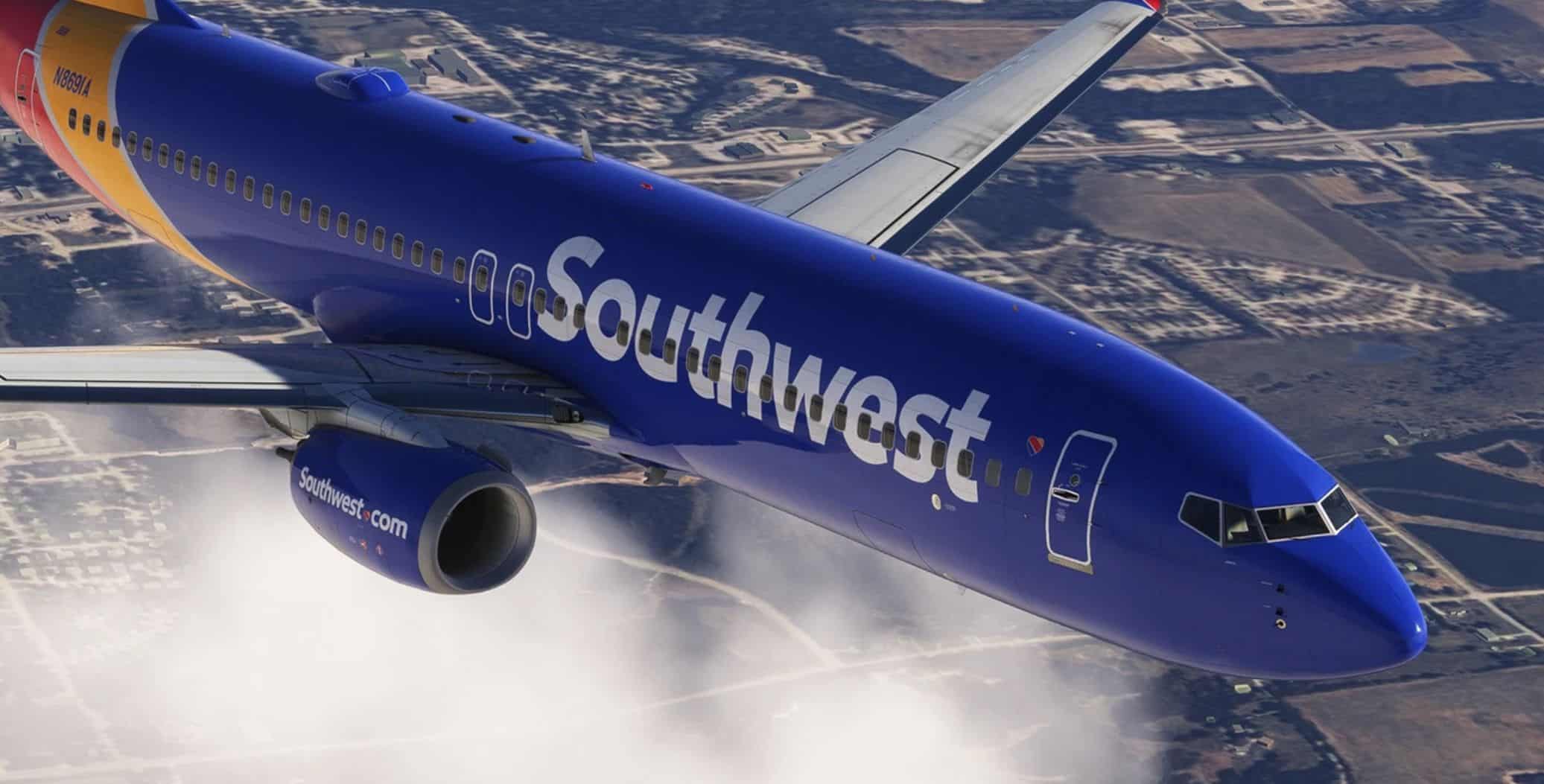
– N8691A
– N8699A
Livery Installation
Drag & Drop the “HUES – PMDG 738 SWA HEART PACK” folder into your community folder.
Configuration Intsallation:
1. Select all the airframes in the “configs” and copy
2. Paste into: Microsoft Flight Simulator 2024\WASM\MSFS2024\pmdg-aircraft-738\work\Aircraft
Livery Texture Options:
Select the textures you wish to install
Copy all the textures in the folder Navigate to “HUES – PMDG 738 SWA HEART PACK\SimObjects\Airplanes\PMDG 737-800\liveries\pmdg\SWA_Common_Folder”
Paste textures and replace when asked
Drag the layout.json onto MSFSlayoutGenerator.exe