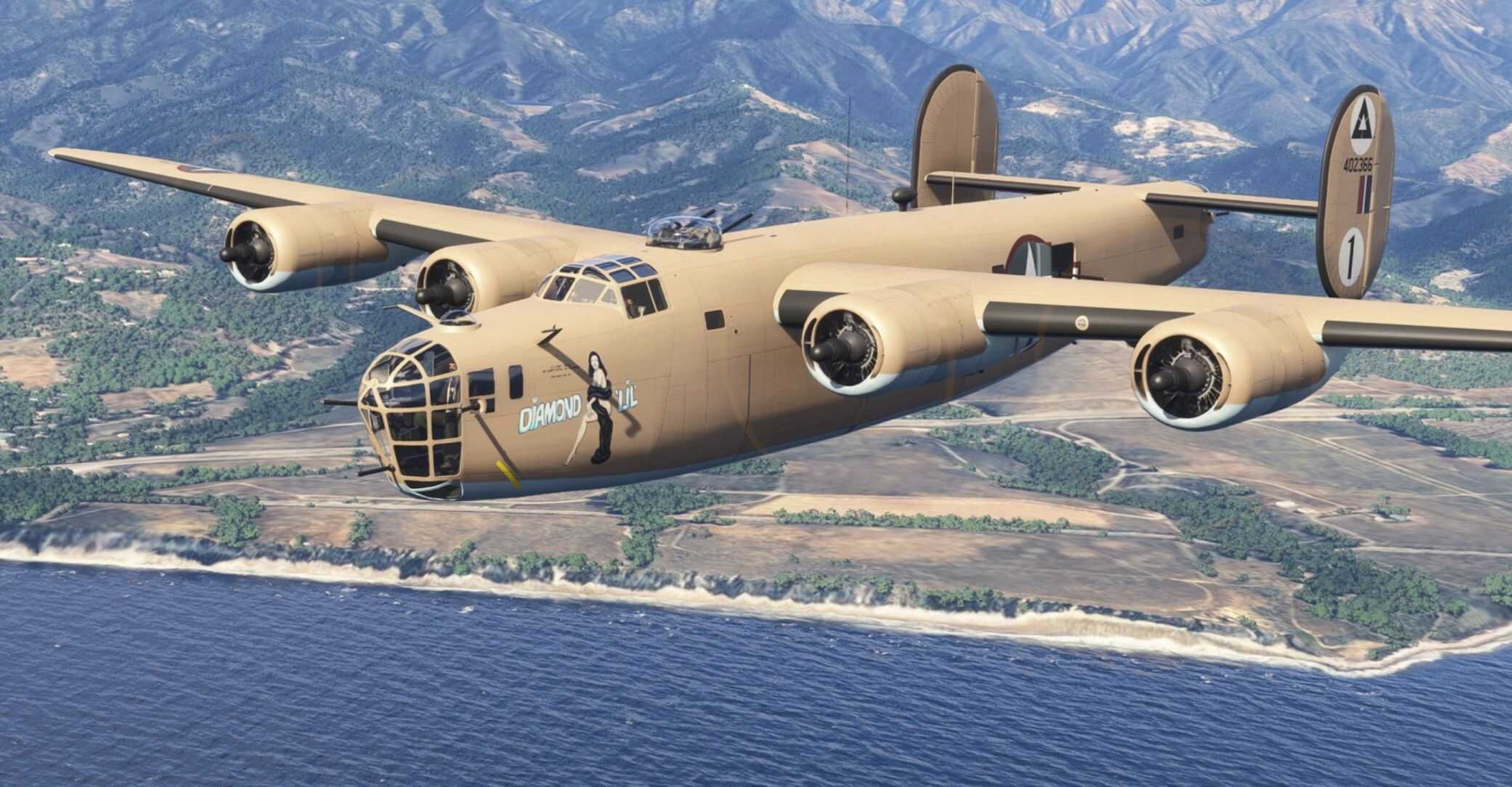
B-24 Liberator Repack (Flight Replicas FSX-Native Conversion) v20.1.0
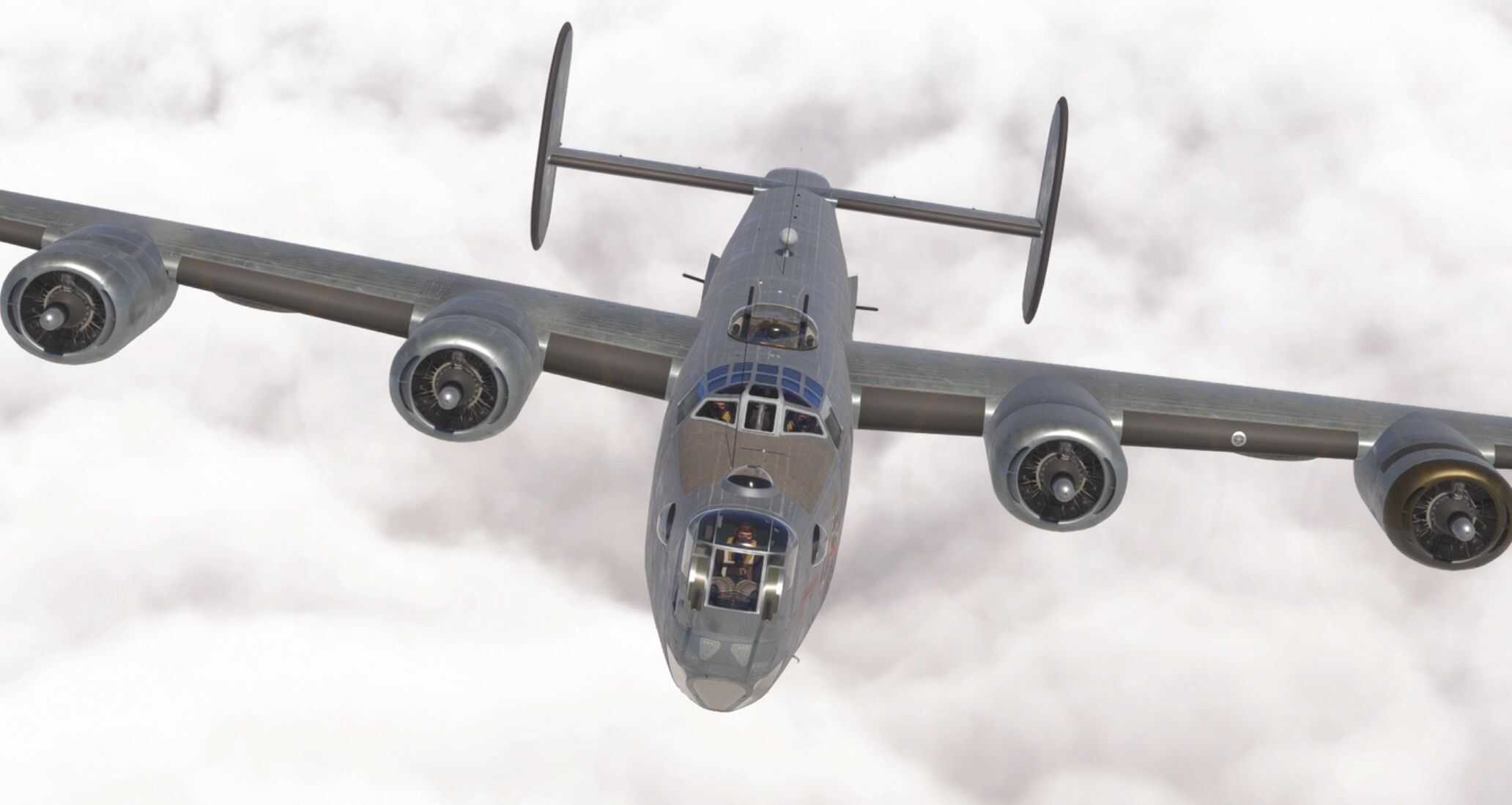
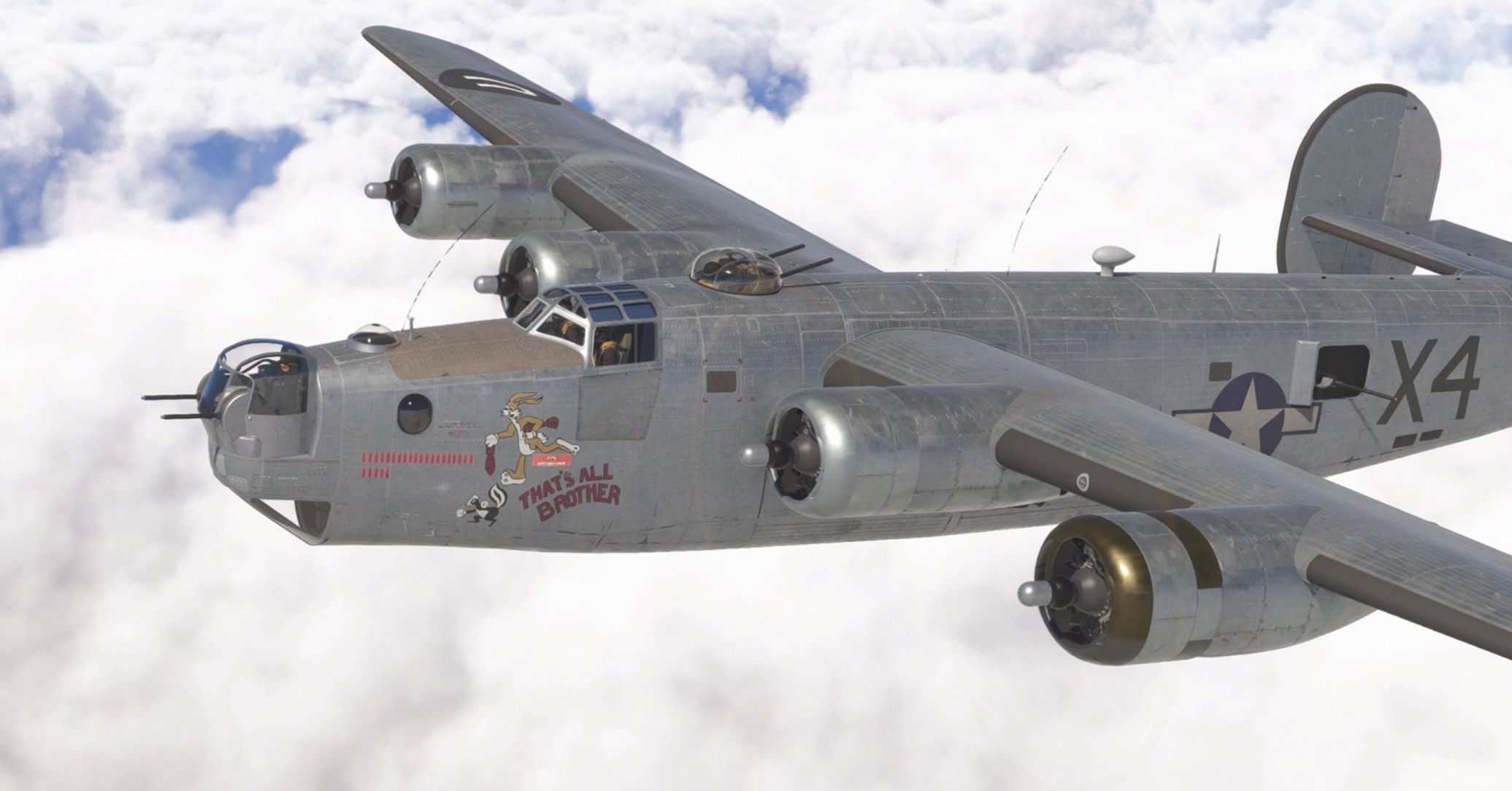
This is an improved repackage of the Flight Replicas B-24 Liberator conversion. The files were originally converted from FSX/P3D to native 2020 format, but the original upload did not work with MSFS 2024. A different team has worked on this “Repack” edition to ensure it is compatible with both MSFS 2020 and MSFS 2024.
This package is a fully standalone aircraft; it does not require the original files.
This update is being posted with permission of Flight Replicas. Thank you to FR for allowing this aircraft to be enjoyed for free!
Highlights and ongoing improvements
Since the original release, the aircraft has received numerous incremental improvements across visuals, systems, sounds and flight dynamics, including:
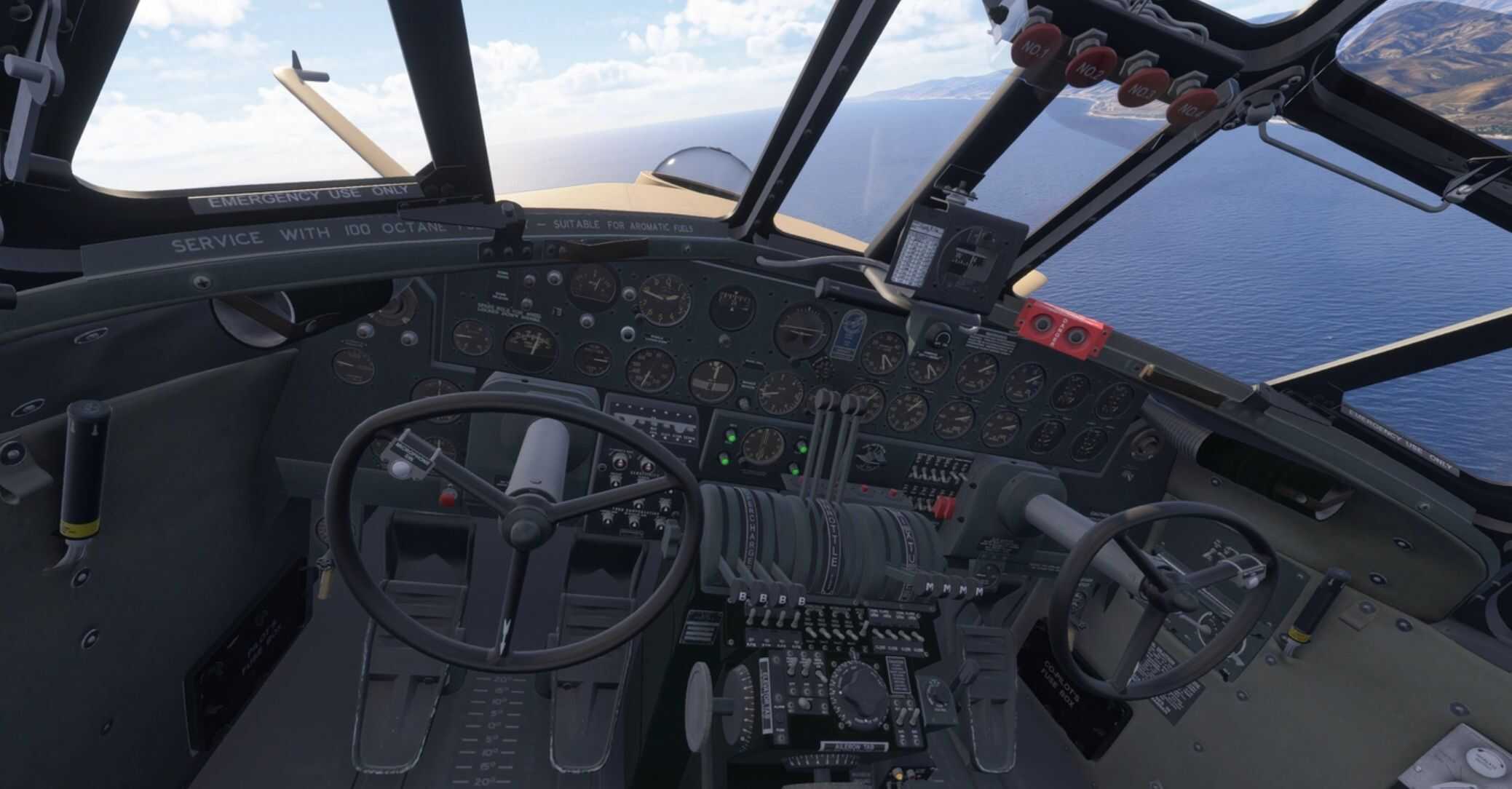
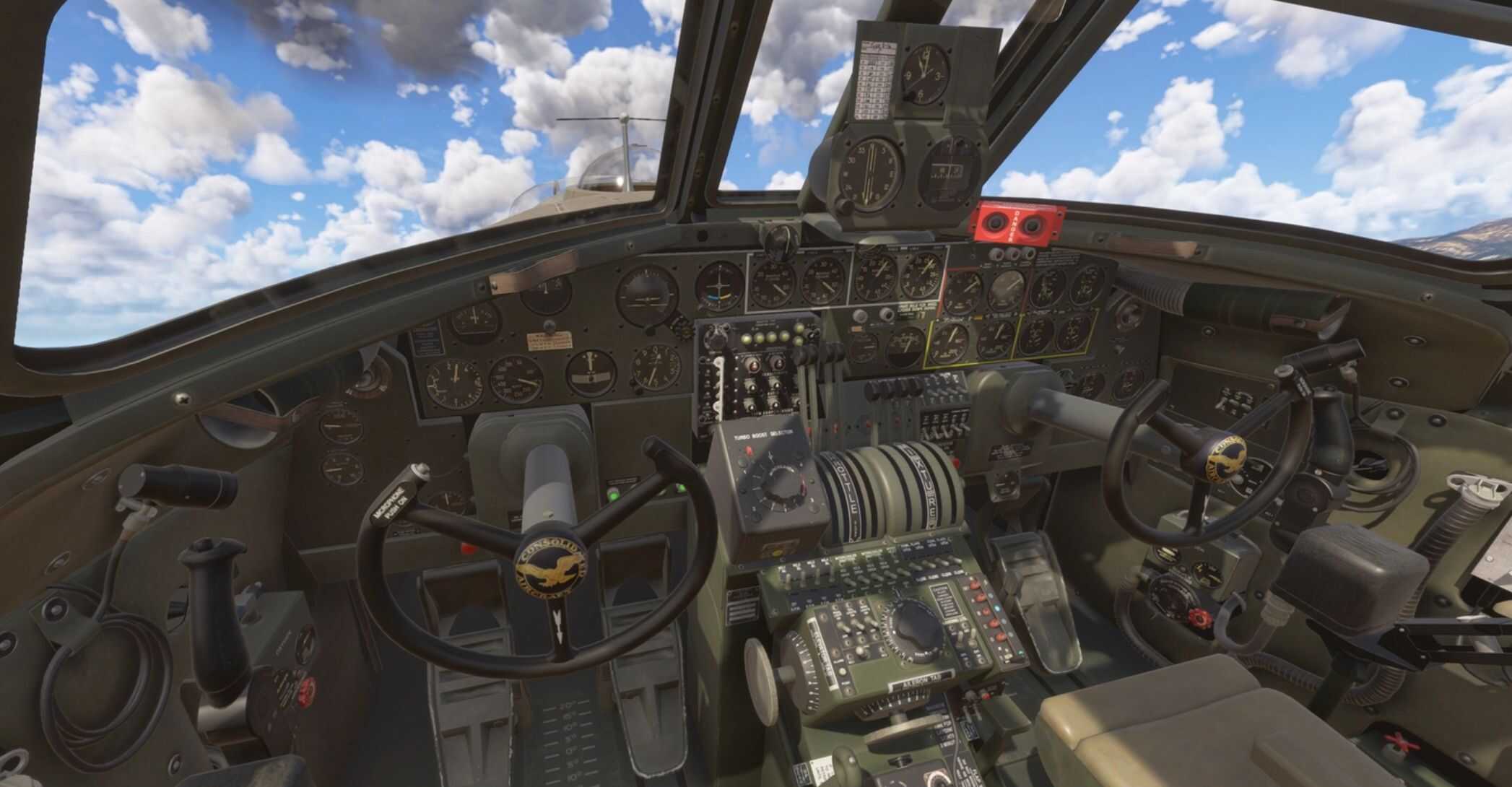
– Greatly expanded clickable cockpit functionality
– Master Battery, Alternator, Magnetos, Booster Pumps, Starter Switches, Nav Lights, Pitot Heat, Landing Lights, Instrument Panel Lights (panel lighting not well working yet), Avionics Master, Parking Brake, Cowl Flaps, Bomb Bay, Sun Shades
– New and improved flight model with ongoing performance tuning
– Enhanced engine and fuel system logic, including booster pumps, priming, starter behaviour, mixture detents, and cooling management
More realistic engine start procedure.
The flow adapted from the B24 POH is:
– Enable booster pump
– Hold PRIMER switch for 2-5s. Overpriming can be cleared by opening the throttle and waiting (check status in tooltip)
– Hold ACCEL switch for approx 12s (until starter reaches 12000 RPM). IMPORTANT: Read the labels on the switches – they are not arranged as you may expect!
– Mixure AUTO-LEAN.
– Flick the MESH switch to crank the engine. Again note the switch labels carefully!
– Note that CTRL+E can also be used as a shortcut to quick start the engines.
Optional Turbocharger simulation. Use the cockpit EFB to switch between:
– SIMPLE TURBO: Use throttle levers to control manifold pressure. Additional boost above ambient barometric pressure is handled by standard MSFS turbo code. No need to use the Turbo levers (B-24D) or Dial (B-24J)
– COMPLEX TURBO: Use throttle levers AND turbo controls to set manifold pressure. The throttle levers alone will only provide manifold pressure up to the ambient barometric pressure. You will need to use turbo controls to reach operational MP in most conditions.
Fully reworked engine and cockpit sounds
– Entirely new engine sounds using samples from the freeware “P&W R-1830 Turbo-Supercharged Radial Sounds” hosted on Simviation.com, Posted May 19, 2013 16:58 by Kelly McKernan”
Cockpit EFB
– Operational bomb bay
– Toggle waist gunners and ball turret (J only)
– Engine status
– Basic autopilot
– Visual upgrades to exterior normal maps and (some) cockpit textures, animations, lighting, and effects
– Improved startup, shutdown, and auto-start logic
– Mesh lights added to the model
– Additional camera views, checklists, and quality-of-life refinements
– Cockpit vibrations for immersion
– Startup smoke
– Contrails
– Prop feather functionality
These updates have been developed collaboratively by the community. The core team is SeeRyFly, FlakNine and jjbz but we’ve had valuable contributions and permissions from FlightFizzix (flight model), zzGhost4 + Delta Simulations (EFB), ftl818 (flight model + cooling), Goffers2024 (sound tweaks) and lmenes (allowed reuse of Duckworks DC-3 code and logic).
This is a community project developed by amateurs in our free time and offered for free; we are striving to do this iconic aircraft justice, but do not expect payware quality. If you wish to help make the aircraft better, please do so. We would be happy to incorporate future improvements.
Full version-by-version changes can be found in the dedicated Changelog section.
Known Issues
– The prop toggle switches have been set up as levers instead of their original inc/dec function
– Some cockpit switches are not clickable
– Spawning on runway at very high altitude airfields may result in engines NOT immediately running. They should start up automatically if you wait a while. We are investigating the root cause of this issue but not been able to solve it yet.
– MSFS 2024 only: spawning on runway will result in cowl flaps being open 100%. You will need to manually set them as needed, before takeoff.
Local Variables (LVars)
The mixture levers use custom lvars for the auto-rich, auto-lean logic. This should all work with standard in-sim control mapping, but for those who want them, here are the LVars.
L:B24CUSTOM_MIXTURE1_SET
L:B24CUSTOM_MIXTURE2_SET
L:B24CUSTOM_MIXTURE3_SET
L:B24CUSTOM_MIXTURE4_SET